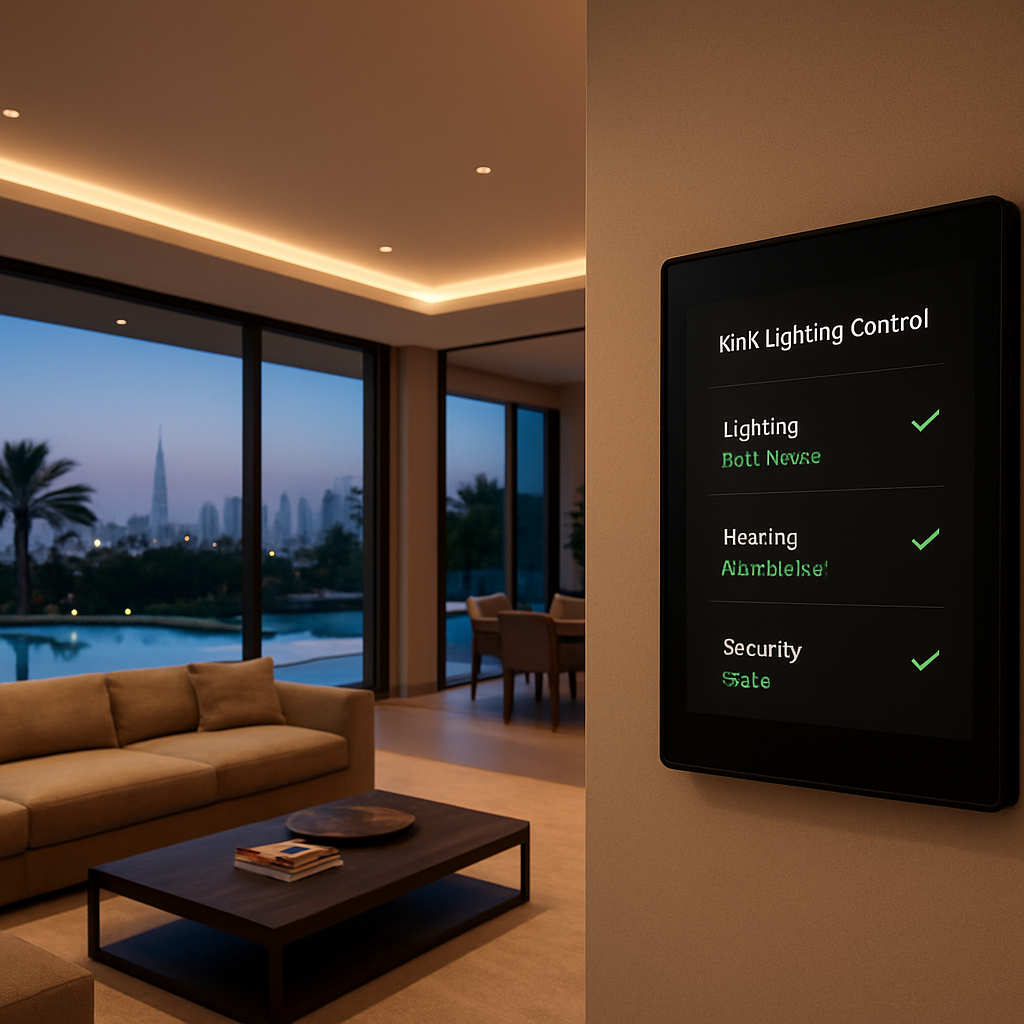
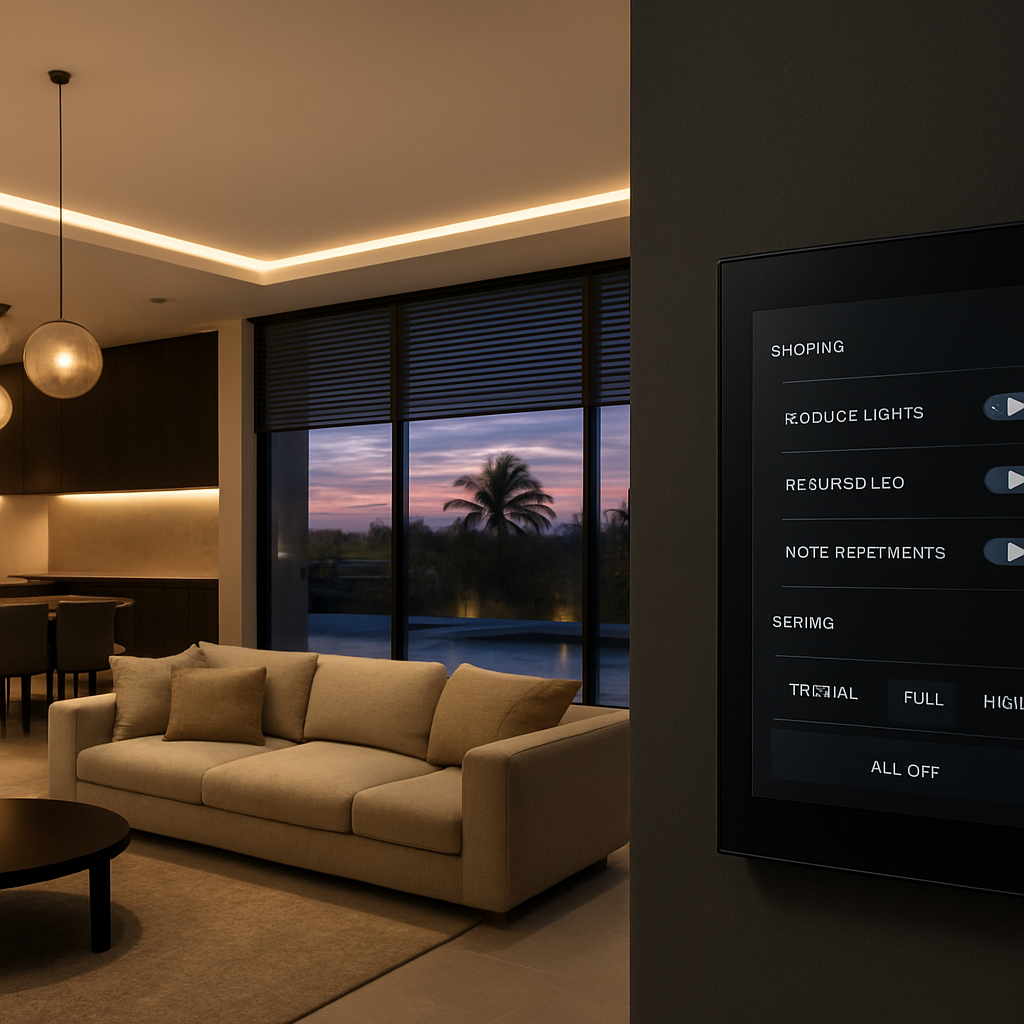
Picture this: you walk into your Dubai villa at sunset, and the lights gently rise to greet you, matching the mood you want without you lifting a finger.
Sounds like a futuristic movie, right? What if I told you that a knx lighting control system can make that everyday, right here in the heart of the UAE?
When we first started designing smart homes for high‑end clients, the biggest complaint we heard was the endless maze of switches and the constant “who left the kitchen light on?” question. It’s a tiny irritation, but in a luxury setting it feels like a flaw.
That’s where KNX steps in. It’s an open, European‑standard protocol that lets every lamp, dimmer, sensor and shade talk to each other over a single cable. No proprietary lock‑ins, just reliable, scalable communication.
So, why does that matter to you? Imagine setting a “Welcome Home” scene that not only turns on the hallway LEDs but also cues the living‑room chandeliers to a warm 2700 K hue, lowers the blinds, and tells the HVAC to start pre‑cooling. All of that happens the moment your smart key is detected.
And the beauty of the system is its flexibility. Want to dim the lights for movie night, then have them automatically brighten when you pause the film? A simple schedule or a motion sensor can handle it. Even if you’re away on a business trip, you can adjust the ambience from your phone – the same interface you use for climate or security.
In our experience, clients who adopt a KNX lighting control system report up to 30 % lower energy bills, simply because lights aren’t left on unintentionally and dimming is effortless.
But here’s a reality check: without proper design, you could end up with a tangled web of devices that don’t talk. That’s why working with a certified installer who understands both the technical side and the lifestyle expectations of Dubai’s luxury market is crucial.
Ready to see how a KNX lighting control system can transform your home from a collection of rooms into a cohesive, responsive environment? Let’s dive deeper into the tech, the benefits, and the steps to get started.
TL;DR
A KNX lighting control system lets your Dubai villa instantly adapt ambience—lights, shades, and climate sync the moment you arrive, boosting comfort and cutting energy waste. Smart Citizens designs and installs these certified solutions, so you enjoy effortless automation, up to 30% lower bills, and future‑ready luxury without the hassle.
Step 1: Assess Project Requirements and Goals
Before any wire is pulled or a dimmer is chosen, you need to sit down with yourself (or the homeowner) and ask the hard questions: what does luxury feel like in this space, and how will technology make that feeling effortless?
Start by mapping out the daily rhythms of the villa. When does the family wake up? When do you entertain guests on the balcony? When is the pool area used most? Jot those moments down; they become the backbone of your KNX lighting control system design.
Next, list every lighting fixture you want to bring into the conversation – from recessed ceiling LEDs in the master suite to the chandelier in the dining hall, the accent strips on the kitchen backsplash, and even outdoor path lights. Don’t forget the hidden gems like under‑cabinet LEDs that double as task lighting.
Define clear goals
What are you really after? Energy savings, mood‑setting scenes, or seamless integration with climate and security? Be specific: “Reduce evening lighting energy by 20 %” or “Create a ‘Movie Night’ scene that dims the living‑room to 15 % and closes the motorised shades.”
When goals are quantifiable, you can later measure success and tweak the system. In our experience, clients who set a concrete energy‑reduction target see the biggest ROI within the first year.
Identify constraints
Dubai villas come with unique challenges – high ceilings, expansive glass walls, and sometimes legacy wiring that wasn’t built for data. Walk the site with a checklist: cable runs, conduit space, and any architectural features that might block wireless signals.
Also, think about future‑proofing. Will the homeowner want to add smart mirrors, AI‑driven ambience, or integrate with a home theatre system later? Planning for expansion now avoids costly rewires down the line.
And remember, you’re not alone in this puzzle. Collaboration with electricians, interior designers, and even acoustic consultants can uncover hidden opportunities. For example, a partnership with Lyrica Audio can align lighting cues with immersive soundscapes, turning a simple dinner into a multisensory experience.
Don’t overlook the aesthetic side. Choosing the right colour temperature for each zone can dramatically affect how a space feels. Warm 2700 K for a cozy lounge, cooler 4000 K for a kitchen where you prep meals, and dynamic RGB for a home bar.
Set up a requirements checklist
Here’s a quick cheat‑sheet you can copy into a spreadsheet:
- Room‑by‑room lighting inventory
- Desired scenes and automation triggers
- Energy‑saving targets
- Integration points (HVAC, blinds, audio, security)
- Physical constraints (cable paths, ceiling heights)
- Future expansion ideas
Once the checklist is filled, you’ll have a solid brief to hand to the KNX integrator.
One practical tip: schedule a walk‑through with a lighting designer who understands both aesthetics and the technical side of KNX. They can spot a spot‑light that will clash with a decorative ceiling feature before the hardware arrives.
Now, let’s bring everything together in a short video that walks you through a typical requirement‑gathering session.
After you’ve captured the requirements, the next step is translating them into a logical KNX topology – that’s where the real engineering begins.
And if you’re wondering about the finishes that will complement your lighting plan, a conversation with DM Painting & Plastering can ensure that paint colours and textures enhance the light rather than fight it.
Finally, don’t forget the little details that make a system feel truly custom. A well‑placed LED strip behind a kitchen island, or a subtle back‑lit panel in the hallway, can become the signature touch of your villa. If you need inspiration for LED accents, check out LED Artistry for curated ideas that blend art and technology.
By the end of this assessment phase, you should walk away with a document that answers: who, what, when, where, why, and how. That document is the blueprint that turns a vague desire for “smart lighting” into a concrete, measurable KNX lighting control system plan.
Step 2: Design the KNX Network Architecture
Now that you’ve nailed down what you want the villa to do, it’s time to turn those ideas into a wiring blueprint that actually talks.
Start with a logical zone map
Think of a zone as a room‑or‑group of fixtures that share the same control logic. In a Dubai villa you’ll usually end up with separate zones for the entrance hall, the main living area, each bedroom, the outdoor patio, and the pool‑side lounge. Sketch a simple diagram on paper or a tablet – just squares for rooms, lines for where the bus cable will run.
Why does this matter? A well‑planned zone map keeps the KNX bus from becoming a spaghetti mess and makes future expansion painless.
Choose the right bus topology
KNX supports line, tree, and star topologies. Most luxury homes benefit from a line topology with a main trunk running along the service riser, then short branches (called “sub‑lines”) feeding each floor. This layout respects Dubai’s high‑rise building codes and keeps cable lengths under the 1000 m limit.
Tip: Keep the backbone away from high‑current power cables to avoid interference – a few centimeters of separation does the trick.
Decide on power‑supply placement
Every KNX bus needs a 24 V DC power supply. We usually place one near the main distribution board and a second one on the top floor if the total load exceeds 250 mA. This redundancy ensures that a single point of failure won’t knock out the whole system.
Remember, the power supply must be TDRA‑certified and sized for the total number of devices you plan to install.
Select devices and address them
Each actuator, sensor, and panel needs a unique physical address. The easiest way is to follow the “room‑first” convention: 1/0/1 for the first device in the entrance, 1/0/2 for the second, and so on. Write the addresses on a quick‑reference sheet – we’ve seen installers skip this step and spend hours hunting down stray devices.
Don’t forget to reserve a block of addresses for future expansion – a few spare slots per zone cost nothing but save headaches later.
Plan the wiring route
KNX uses a two‑wire twisted‑pair (TP‑1) that can run up to 1000 m without repeaters. In a villa, route the cable through the ceiling voids and service shafts, pulling it through conduit where local fire codes require protection.
Here’s a quick checklist:
- Measure the total length of each line – keep it under 1000 m.
- Use dedicated conduit for the bus, separate from AC power.
- Label every conduit segment and termination point.
- Install line couplers at each floor transition.
Does this feel overwhelming? Break it down floor by floor. Treat each floor as its own mini‑project, then connect the lines at the riser.
Integrate with other systems
A true smart home doesn’t stop at lighting. Decide where the KNX bus will meet the HVAC controller, motorised blinds, and the security panel. Most integrators use a KNX/IP router to bridge the bus to a central management platform – that’s the point where a Smart Citizens‑installed system can talk to your smartphone or voice assistant.
Make sure the router is placed in a ventilated rack and that its IP address is documented for future firmware updates.
Validate against Dubai regulations
Before you hand the schematic to the electrician, double‑check the plan against the Dubai Municipality and TDRA wiring standards. Look for required fire‑rated cables, earth‑grounding provisions, and any mandatory labeling.
We always run a quick “paper test” – walk the floor plan with a checklist and ask yourself: can a certified installer follow this without guessing?
Final sanity check
Grab your brief from Step 1, compare it line‑by‑line with the architecture you just drafted, and ask: does every lifestyle goal have a corresponding zone or device? If something feels missing, note it now; it’s far cheaper to add a sensor on paper than to pull new cable later.
Once you’re happy, hand the drawing to a KNX‑certified installer. They’ll translate your zones into a wiring diagram, order the right‑size power supplies, and program the scenes you defined earlier.
And that’s the blueprint that turns a dream villa into a living, breathing KNX lighting control system.
Step 3: Select Certified Devices and Partners
Now that the network layout is sketched, the next hurdle is making sure every brick you buy actually talks to the others. In a luxury Dubai villa you can’t afford a single mismatched dimmer to ruin the whole vibe.
First, ask yourself: which devices carry the KNX certification stamp? That little logo tells you the product has passed the rigorous testing of the KNX Association and, in the UAE, meets TDRA safety requirements. It’s the difference between a smooth, future‑proof system and a patchwork that needs a technician every month.
Build a shortlist of certified hardware
Start with the core categories:
- Actuators & dimmers – look for models that support 0‑10 V, DALI or PWM, because you might later want to blend LED strips with traditional incandescent fixtures.
- Sensors – motion, daylight, and occupancy sensors should all be KNX‑compatible. A daylight sensor in the living‑room can automatically dim the chandelier as the sun sets, saving energy without you lifting a finger.
- Wall panels & keypads – choose tactile panels that match your interior aesthetic. Many manufacturers offer glass‑front designs that blend with high‑end finishes.
- Gateways & routers – a KNX/IP router will bridge the bus to the Smart Citizens app, allowing smartphone or voice‑assistant control.
When you pull up a product sheet, verify the KNX certified badge and the TDRA compliance number. If the data sheet is missing that info, put the item on the “maybe later” pile.
Vet the installer – certification matters
Even the best devices will underperform if the installer isn’t certified. Look for partners that hold the KNX Partner status and, importantly, the Dubai‑specific “Smart Home Installer” licence issued by the municipality.
Ask for two things:
- A copy of their KNX certification card (it lists the categories they’re qualified to program).
- References from recent villa projects in Palm Jumeirah or Downtown Dubai – you want proof they can handle high‑end finishes and strict fire‑rating requirements.
In our experience, a certified installer will also perform a “device‑compatibility audit” before ordering anything. That audit catches issues like a dimmer that can’t handle the wattage of a chandelier, saving you weeks of re‑work.
Actionable checklist for selecting devices and partners
Grab a notebook or your favourite notes app and run through this list:
- ✔ Verify the KNX certification logo on every product datasheet.
- ✔ Confirm TDRA approval for each device – the code is usually printed on the label.
- ✔ Cross‑check the manufacturer’s warranty length (three years is standard for premium gear).
- ✔ Shortlist installers with a current KNX Partner badge and Dubai municipality licence.
- ✔ Request a sample‑project portfolio – look for similar villa sizes and the same zones you plan to automate.
- ✔ Ask for a written quotation that separates hardware costs from labour and programming fees.
Once you have a shortlist, schedule a short on‑site walkthrough with each installer. During that visit, point out any architectural quirks – like a vaulted ceiling or a curved wall – and watch how the installer adjusts the device placement on the spot. That’s a great litmus test for expertise.
Real‑world example: a beachfront villa in Dubai Hills
A client wanted a “Sunset Retreat” scene that gradually dimmed the pool‑area LEDs while raising the motorised blinds. The team chose KNX‑certified DALI dimmers for the LED strips and a KNX‑certified blind actuator that supports 24 V DC. Because the installer was also a KNX partner, they programmed the scene in the ETS software during the first visit – no follow‑up trips needed.
The result? The scene executed flawlessly, and the client reported a 12 % drop in evening energy consumption, thanks to the daylight sensor that cut the LEDs off once natural light hit the horizon.
Tips from the field
• Future‑proof your hardware. Reserve a block of addresses for devices you’ll add later – like smart speakers or outdoor floodlights.
• Don’t mix brands without checking compatibility. Even though the KNX protocol is universal, some manufacturers lock certain advanced features behind proprietary extensions.
• Document everything. Keep a spreadsheet with device type, model number, address, and installer notes. It becomes your go‑to reference for maintenance or upgrades.
And if you’re wondering where to start looking for a vetted partner, our own portfolio showcases dozens of Dubai‑approved projects. Take a look at KNX Home Automation Dubai – Luxury & Intelligent Homes for a quick sense of the certified ecosystem we trust.
Bottom line: choosing certified devices and a qualified partner isn’t just a box‑checking exercise. It’s the safety net that lets your KNX lighting control system grow with your lifestyle, stay compliant with Dubai’s strict regulations, and keep the user experience buttery smooth for years to come.
Step 4: Install, Wire, and Program the System (Video Overview)
Alright, you’ve got the design, the devices and a certified installer on standby. Now it’s time to roll up your sleeves and bring the knx lighting control system to life. Think of this as the “make‑it‑real” moment – the part where wires turn into ambience and code becomes comfort.
Prep the site – a quick sanity check
Before the first cable is pulled, walk the villa with the installer and confirm every zone you mapped in Step 2 still matches the actual rooms. Does the master suite still need a sunrise scene? Are the outdoor pergola lights still on the same line you sketched?
Ask yourself:
- Do I have clear access to the service riser for the main KNX bus?
- Are conduit routes free of fire‑rating conflicts?
- Is the 24 V DC power supply location approved by the Dubai Municipality?
If anything feels fuzzy, pause now – fixing a routing mistake later means tearing out walls, and nobody wants that.
Physical installation – wiring without drama
KNX uses a two‑wire twisted pair (TP‑1). It’s forgiving, but it still respects distance limits. Keep each line under 1 000 m and avoid running the bus alongside high‑current AC cables – a few centimetres of separation stops interference.
Here’s a step‑by‑step rundown:
- Lay the backbone cable from the main distribution board to the first floor riser.
- Install line couplers at every floor transition; label them “Line A – Ground Floor”, “Line B – First Floor”, etc.
- Branch out to each zone with short sub‑lines, using colour‑coded tags (red for lights, blue for sensors) to simplify future troubleshooting.
- Terminate each line with a bus connector and snap‑in the power supply(s) close by.
- Attach each actuator, dimmer or sensor to its nearest junction box, making sure the physical address is pre‑programmed on the device.
One trick we swear by: pull a spare loop of cable through every conduit before you seal it. It saves a frantic hunt for a replacement when you discover a missed sensor later.
Programming the scenes – ETS in plain English
Now for the fun part: telling the system what to do. The Engineering Tool Software (ETS) is the KNX brain‑center. If you’ve never opened it, picture a visual flowchart where each block represents a device and each line is a logical link.
Start simple:
- Create a “Welcome Home” group address (e.g., 1/0/10) that triggers the entrance lights, lifts the motorised blinds, and nudges the HVAC to a comfortable 24 °C.
- Link the motion sensor’s status object to that address – the sensor reports “ON” when it sees you, and ETS fires the group command.
- Duplicate the pattern for “Movie Night” – dim the living‑room LEDs to 20 % and close the curtains.
Remember to test each scene on the wall panel before moving on. A quick “press‑and‑hold” on the panel should flash a confirmation – if it doesn’t, double‑check the address mapping.
Video overview – why you’ll want to record it
Even though we’re not embedding a video here, we recommend filming a short walkthrough once everything is up and running. A 2‑minute clip showing the “press‑welcome‑button, lights rise” sequence does three things:
- It gives the homeowner a visual cheat‑sheet.
- It becomes a handy reference for future upgrades.
- It doubles as a portfolio piece for the installer – a real‑world proof of a flawless KNX deployment.
Keep the camera steady, narrate what you’re doing, and capture the exact moment the system reacts. Bonus points if you overlay the ETS address list on screen; it looks professional and helps anyone troubleshooting later.
Final checklist before you call it a day
Before you hand the keys back, run through this quick audit:
- All cables are labelled and documented in a spreadsheet.
- Power supplies are TDRA‑certified and properly ventilated.
- Every device has a unique KNX address and the address sheet matches the ETS project.
- All scenes have been tested on both wall panels and the mobile app.
- The video overview is recorded and saved in the project folder.
If you tick every box, you’ve just turned a complex wiring job into a smooth, future‑ready experience. The villa now breathes, reacts, and saves energy without you lifting a finger.
So, what’s the next step? Schedule a post‑install review with your installer, walk through the video together, and lock in any fine‑tuning. A little polish now prevents a big headache down the line.
Step 5: Optimize, Scale, and Maintain Your KNX Lighting System
Now the lights are dancing to your cue, but the work isn’t done. A KNX lighting control system is only as good as the care you give it after the initial install. Think of it like a high‑end sports car – you wouldn’t skip the oil change, right?
Why ongoing optimisation matters
Every night your villa generates data: which scenes fire, how often sensors trigger, where energy spikes occur. That data is pure gold. It tells you where you can tighten schedules, trim wattage, or add a sensor that’s been missing.
For example, energy monitoring capabilities in KNX can cut lighting consumption by up to 30 % when you fine‑tune occupancy and daylight controls.
Step‑by‑step optimisation checklist
1. Review scene performance weekly. Open ETS, pull the usage log, and spot any scene that consistently overshoots its intended dim level.
2. Adjust sensor thresholds. If a hallway motion sensor fires at 5 cm, you might be getting false triggers from passing cats. Raise the detection distance by a few centimetres.
3. Update firmware. Your KNX/IP router and actuators receive occasional security patches. Schedule a quarterly check – it’s a quick click in the vendor portal.
4. Document changes. Keep a living spreadsheet: device address, firmware version, date of tweak, and who made it. It saves you hours when a new technician walks in.
5. Run a load‑balance test. Measure voltage drop on long bus runs. If you see a dip below 22 V, add a line repeater before the next sub‑line.
Scaling without chaos
When the villa expands – a new home office, an outdoor lounge, or a rooftop garden – you’ll want the same seamless experience. The beauty of KNX is its scalability, but you still need a plan.
Start by reserving a block of addresses for each future zone. Treat those slots like “future‑proof parking spots” and never reuse them for existing devices.
Next, create a master “Expansion Template” in ETS. It includes a pre‑configured group address, default dim curve, and sensor type. When the new room is ready, you just import the template, assign the reserved addresses, and you’re live in a day.
And remember to revisit your power‑supply sizing. Adding a dozen new LED strips can push the bus current over the 250 mA limit per supply. If you’re approaching that ceiling, add a second TDRA‑certified power supply on the same line – the system will balance the load automatically.
Maintenance made simple
Even the most reliable KNX devices need a little TLC. Here’s a quick monthly routine that keeps the system humming:
Task Tool/Resource Notes Check address spreadsheet for duplicates Excel or Google Sheets Duplicate addresses cause ghost commands; fix immediately. Run diagnostic report from ETS ETS software “Diagnostics” module Look for “communication error” flags – they point to cabling issues. Inspect physical wiring Flashlight, cable tester Ensure connectors are tight, especially after HVAC vibrations. That’s it – a 15‑minute habit you can slot in after your coffee.
Proactive troubleshooting tips
Ever walked into a room and the lights stayed stubbornly dim? The first thing to ask yourself is, “Did a sensor misread the ambient level?” Grab your tablet, open the ETS live view, and watch the daylight sensor’s lux value in real time. If it’s stuck, a quick firmware bump usually clears it.
Another common hiccup is a “phantom” scene that triggers at midnight. That’s often a leftover schedule entry. Delete it in the ETS calendar view and re‑publish the project.
When to call the experts
If you spot a recurring communication error across multiple devices, it’s probably a backbone issue – maybe a conduit was damaged during a recent renovation. That’s the moment you bring in a certified installer. They’ll run a time‑domain reflectometer (TDR) test and pinpoint the fault.
And if you’re planning a major upgrade – say, integrating AI‑driven predictive lighting based on occupancy patterns – let Smart Citizens design the extension. Our team can map the new zones, program the advanced algorithms, and ensure everything stays TDRA‑compliant.
So, what’s the next step? Grab your address sheet, schedule that 15‑minute monthly audit, and watch your KNX lighting control system become the quiet, reliable backbone of your luxury villa.
Ready to keep your home running like a well‑tuned orchestra? Book a post‑install review and let us help you fine‑tune the future.

FAQ
What exactly is a KNX lighting control system and how does it work in a Dubai villa?
A KNX lighting control system is an open‑protocol network that lets every lamp, dimmer, sensor and blind talk to each other over a single two‑wire bus. In a villa the bus runs through the service riser, branches to each room, and each device gets a unique address. The ETS software lets us program group addresses – like a “Welcome Home” scene – so a single command can fire dozens of actions at once.
Do I need a professional installer or can I DIY a KNX lighting control system?
While the hardware itself is plug‑and‑play, the wiring, address planning and certification steps are best left to a KNX‑partner who knows Dubai’s TDRA rules. A DIY approach might work for a single zone, but once you start mixing lighting, shading and HVAC you’ll need a certified installer to avoid communication errors, fire‑code violations, and costly re‑work.
How much energy can I really save with a KNX lighting control system?
In our experience, villas that fully automate lighting and daylight sensors see anywhere from 20 % to 30 % lower electricity use. The system only powers lights when a room is occupied, dims LEDs to match natural light, and shuts off forgotten zones during night‑time. Those savings add up quickly on a high‑end property where dozens of fixtures run 24/7.
Can I integrate my KNX lighting with other smart home devices like voice assistants?
Absolutely. A KNX/IP router bridges the bus to your home Wi‑Fi network, letting you control scenes from Alexa, Google Home or Apple HomeKit. Once linked, you can say “Good night” and the router will trigger the KNX group address that turns off every light, closes blinds and lowers the thermostat – all without you touching a switch.
What maintenance does a KNX lighting control system require over time?
Maintenance is mostly about staying on top of firmware updates and checking the address spreadsheet for duplicates. A quick 15‑minute monthly audit – verify the power supplies are still ventilated, run ETS diagnostics, and glance at sensor logs – catches most issues before they become visible glitches. Physical wiring rarely needs attention unless a renovation disturbs the conduit.
Is the system future‑proof if I want to add new zones or devices later?
Yes. KNX is designed to scale. By reserving address blocks for each future zone you can drop in new dimmers, sensors or motorised shades without rewiring the whole bus. If the total current approaches the 250 mA limit of a single power supply, you simply add a second TDRA‑certified supply on the same line and the system balances the load automatically.
What are the common pitfalls to avoid during the design phase?
One big mistake is sketching zones on paper and then forgetting to match them to the actual floor plan – you end up with dead‑ends and extra cable runs. Another is mixing brands without checking KNX compatibility; even though the protocol is universal, some manufacturers lock advanced features behind proprietary extensions. Finally, don’t place the bus too close to high‑current AC cables – a few centimetres of separation prevents interference.
Conclusion & Next Steps
By now you’ve seen how a knx lighting control system can turn a Dubai villa from a static space into a living, breathing backdrop for everyday moments.
If you’re still wondering whether all that wiring and programming is worth it, think about the night you walk in, the lights greet you, the blinds lower, and the thermostat nudges to comfort – that’s the kind of effortless luxury the system delivers.
What’s the next move? First, schedule a site survey with a certified KNX integrator. A quick walk‑through lets the installer validate your zone map, confirm TDRA‑approved power supplies, and spot any hidden conduit conflicts before any cable is pulled.
Second, lock down your address spreadsheet. Keep a simple Google Sheet with device type, physical address, and intended scene – it’s the cheat‑sheet that saves hours of troubleshooting later.
Third, set up a 15‑minute monthly audit. Open ETS, glance at the diagnostics log, and verify that power supplies stay ventilated. A tiny habit now prevents a costly outage down the line.
Finally, think about growth. Reserve a block of KNX addresses for future zones – a home office, a rooftop lounge, or an outdoor pool bar – so when you expand, the system scales without re‑cabling.
Ready to make your villa truly smart? Reach out for a free consultation and let us help you turn the plan into a flawless, future‑ready installation.