
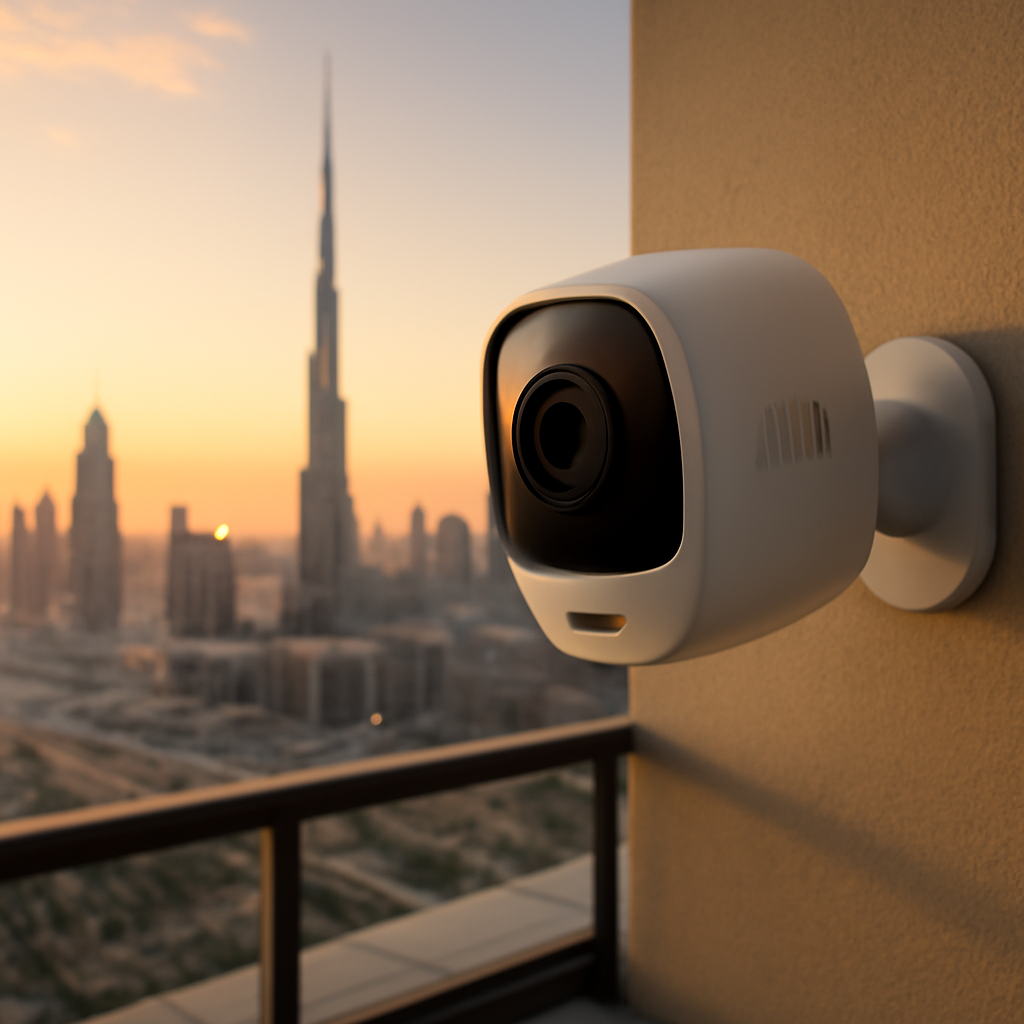
Imagine stepping out of your villa in Palm Jumeirah, feeling the desert breeze, and knowing that a watchful eye is already scanning every corner of your property.
That peace of mind? It often comes from a well‑placed security camera Dubai installation that doesn’t just record—it learns, alerts, and integrates with the rest of your smart home.
But let’s be honest: with a sea of camera options, it’s easy to feel overwhelmed. Which lens size fits a high‑rise balcony? Do I really need AI‑powered motion detection, or will a basic lens do?
In our experience at Smart Citizens, the biggest mistake homeowners make is treating a camera like a standalone gadget instead of a core piece of a unified security ecosystem.
Think about the last time you left the house and wondered, Did I lock the front door? A single “security camera Dubai” unit can answer that in real time, sending a snapshot straight to your phone the moment it spots movement at the entrance.
Here’s what we’ve seen work best: pair the camera with smart locks and an AI‑driven hub. The lock confirms you’re home, the camera verifies who’s at the door, and the hub sends a single, coherent notification. No more juggling multiple apps.
And it’s not just about luxury villas. A boutique office on Sheikh Zayed Road can benefit from discreet dome cameras that blend with the interior, while still feeding footage to a central dashboard you can access from anywhere.
So, why does “security camera Dubai” matter more now than ever? The city’s rapid growth means more high‑rise living, more traffic, and, inevitably, more security concerns. A reliable camera system scales with your property, whether you add a new wing or convert a penthouse.
Picture this: you’re on a weekend getaway, and a notification pops up—your garden’s motion sensor triggered, the camera captured a stray cat, and the system instantly classified it as “non‑threatening.” You smile, relax, and let the AI handle the rest.
If you’ve ever felt uneasy hearing that distant siren echo across the skyline, you know how valuable a proactive security layer can be.
Ready to turn that uneasy feeling into confidence? Let’s explore how a tailored security camera Dubai solution can fit your lifestyle, budget, and future‑proof your home.
TL;DR
A security camera Dubai system delivers AI‑powered alerts and syncs with smart locks and sensors, so you always know who’s at the door and whether everything’s secured.
Choose an integrated solution from Smart Citizens to protect any villa, apartment or office while enjoying peace of mind at home or away, all within your budget.
Why Choose AI‑Powered Security Cameras in Dubai?
When you think about protecting a villa on Palm Jumeirah or a boutique office on Sheikh Zayed Road, the first question that pops up is: do I really need a camera that does more than just record?
The answer is a resounding yes, because AI‑powered security cameras in Dubai go beyond static footage—they actually understand what they see. They can tell the difference between a delivery driver, a neighbour’s cat, or an unexpected intruder, and they only ping you when something truly matters.
That kind of precision matters in a city where traffic is constant and the skyline is full of glass. Traditional motion sensors trigger every passing car, flooding your phone with alerts you end up ignoring. AI cuts that noise down dramatically.
In fact, a recent industry analysis notes that AI cameras can slash false alarms by up to 90%.
So, what does that look like on the ground? Imagine you’re away for a weekend and a stray cat wanders across the garden. Your AI camera classifies the movement as “non‑threatening” and sends you a gentle snapshot, while the moment a person lingers near the side gate, the system flags it, captures a clear facial view and instantly notifies the smart lock to stay locked.
Because the camera talks to the lock, the door never unlocks for a stranger. The integration happens in seconds, thanks to the same AI engine that powers the video analytics. That’s the kind of unified experience Smart Citizens builds into every installation.
Instant, actionable alerts
When an AI camera spots a suspicious behavior—say, someone loitering after business hours—it not only records the clip but also sends a push notification with a thumbnail, timestamp and suggested response (call security, lock doors). You can verify the event with a tap, avoiding the guesswork of grainy footage.
Scalable intelligence for any property size
Whether you have a single balcony dome or a network of 30 dome and PTZ units across a high‑rise, the AI model runs the same algorithms in the cloud. Adding a new camera is just a matter of plugging it in and letting the platform learn the new field of view. That scalability keeps your system future‑proof as your property expands.
The video above walks through a live demo of AI‑driven object classification, showing how the system instantly distinguishes a bike from a human and suppresses the alarm.
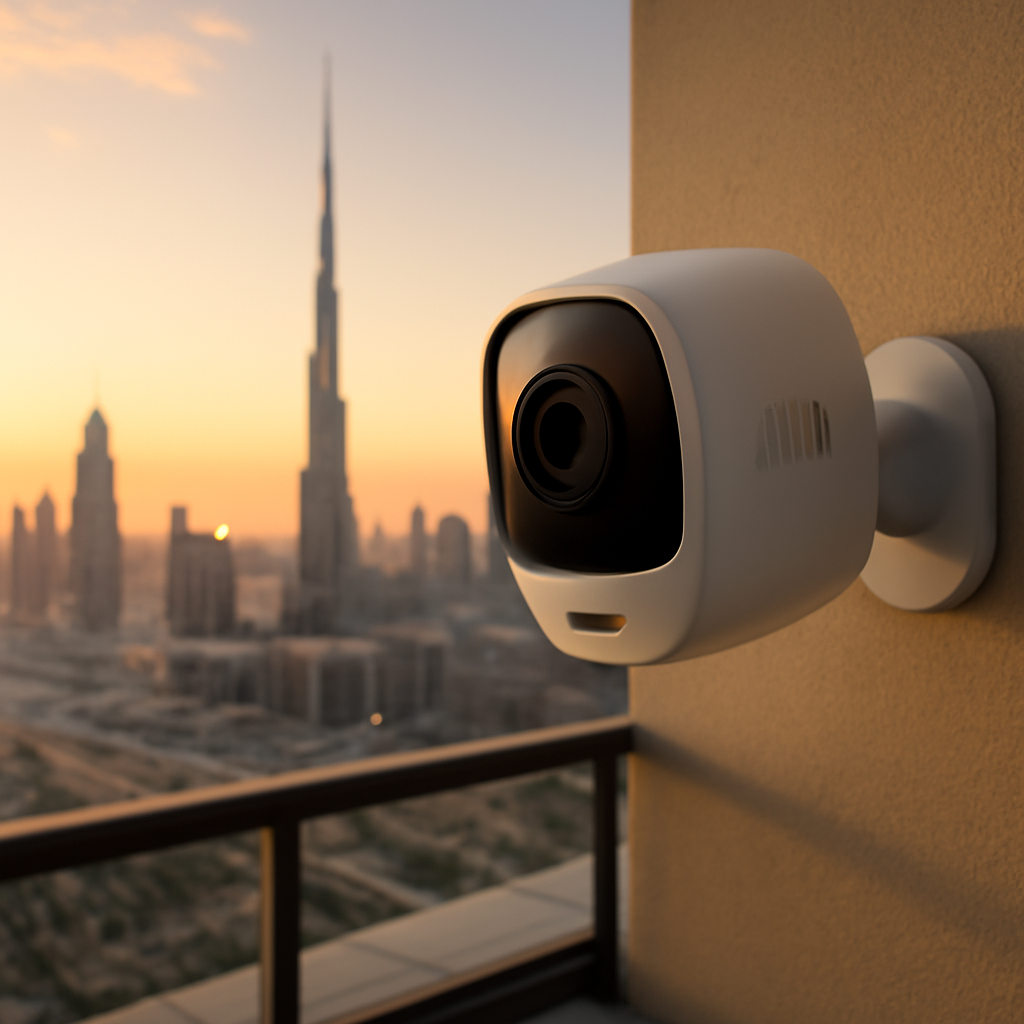
Beyond alerts, AI analytics give you insight you can act on. Heat‑map reports reveal which entry points get the most traffic, helping you optimise lighting or adjust sensor sensitivity. Predictive patterns can even warn you about potential breaches before they happen, turning your security from reactive to proactive.
Another practical benefit is integration with existing building management systems. In many Dubai developments, access control, fire alarms and energy management already run on a central dashboard. AI cameras feed their data into that same hub, so you manage security alongside lighting schedules and HVAC—all from one app.
What’s the cost side? Yes, AI cameras carry a higher upfront price, but the reduction in false alarms, lower staff monitoring time and avoided incidents quickly pay for themselves. Think of it as an investment in peace of mind that scales with your lifestyle.
Bottom line: if you want a security solution that adapts to Dubai’s fast‑moving environment, learns from each event, and works hand‑in‑hand with smart locks and sensors, AI‑powered cameras are the only logical choice.
Step 1: Assess Your Property’s Security Needs
First thing’s first – pause for a second and picture yourself walking out of your Palm Jumeirah villa at sunset. You hear the wind, the faint hum of the city, and that tiny voice in your head asking, “Did I lock the back gate? Are the windows still safe?” That moment of doubt is exactly why a solid security assessment matters.
Map the high‑risk zones
Grab a floor plan – even a simple sketch works – and highlight every entry point: main doors, side gates, balcony railings, service lifts, and those little service corridors that only the cleaning crew uses. In Dubai’s high‑rise towers, a balcony door is just as vulnerable as a ground‑level gate.
Next, think about traffic flow. Which areas see a lot of foot traffic? A delivery zone on the ground floor? A poolside lounge that’s open after dark? Those spots generate the most motion, and they’re also where false alarms tend to pop up.
Consider what you actually need to see
Not every camera has to be a 4K AI powerhouse. For a quiet garden, a modest dome with good night‑vision might be enough. For a lobby that welcomes visitors 24/7, you’ll want an AI‑enabled camera that can differentiate a delivery person from a potential intruder.
Here’s a quick checklist you can run through:
- Identify critical assets – cash boxes, server rooms, private garages.
- Note environmental challenges – sand, glare from the sun, high humidity.
- Decide on coverage type – wide‑angle panoramic for open courtyards, PTZ for parking lots.
- Determine integration points – do you need the camera to talk to smart locks, fire alarms, or a building‑management dashboard?
In our experience, clients who skip this mapping end up adding extra cameras later, which drives up cost and creates blind spots.
Gather data from existing systems
If you already have motion sensors or access‑control logs, pull the reports. Look for patterns: peak times when the main gate is used, days when the side entrance stays idle. Those heat‑map insights can guide where you place AI‑enabled cameras for maximum ROI.
For example, a boutique office on Sheikh Zayed Road noticed that the rear service door was triggered three times a week by stray cats. By adding a discreet AI camera, the system learned to classify the movement as “non‑threatening,” cutting down unnecessary alerts.
Set your security goals
Ask yourself – what does peace of mind look like? Is it a single push‑notification when someone lingers by the pool after 10 pm? Or is it a full‑screen live feed on your phone the instant a balcony door opens?
Write those goals down. A clear objective helps you pick the right camera tier and avoids over‑engineering.
Budget reality check
AI cameras carry a higher upfront price, but think of the cost of a false alarm – wasted time, possible fines, and the anxiety of missing a real threat. A quick calculation: if a basic camera costs AED 2,000 and an AI‑enabled one AED 4,500, but the AI model reduces false alerts by 90% (see Avigilon’s data), you’re likely saving hundreds of dirhams in monitoring fees each year.
Don’t forget to factor in storage – higher resolution footage needs more space. Cloud storage plans from reputable providers can be scaled as your camera count grows.
Leverage local expertise
Dubai’s building codes and TDRA regulations have specific requirements for wireless devices and data privacy. Partnering with a certified installer ensures you stay compliant while getting a system that scales with future expansions.
Platforms like Smart Citizens’ Dubai smart home solutions simplify this whole process: they audit your site, suggest the right mix of AI cameras and sensors, and handle the integration with existing smart‑lock ecosystems.
So, what’s the next concrete step? Grab that floor plan, tick off the checklist above, and schedule a short on‑site survey with a trusted provider. Within an hour you’ll have a visual map of where each camera belongs, what AI features you truly need, and a clear budget outline. That’s the foundation for a security system that actually works for you, not the other way around.
Step 2: Choose the Right Camera Types and Features
Now that you’ve mapped the hot spots, the next question is: what kind of security camera Dubai you actually need? The answer isn’t “the most expensive one” – it’s “the right one for each zone.”
Start with the environment
If you’re protecting a breezy balcony in Palm Jumeirah, a weather‑sealed dome with good night‑vision will do the trick. For a lobby that sees a flood of visitors, a 4K AI‑enabled camera that can read faces and license plates will save you from endless scrolling.
Does the area get a lot of sand? Then look for anti‑glare lenses and sealed housings. Is there a pool nearby? Choose a waterproof rating of at least IP68 so you don’t worry about humidity.
Pick the field of view that matches the space
Wide‑angle lenses (120°‑180°) are great for open courtyards or parking lots – one camera can cover a large rectangle. For narrow corridors or doorways, a fixed‑focus lens with a tighter 60° view gives sharper detail on faces.
PTZ (pan‑tilt‑zoom) units shine when you need flexibility, like a shared garage where you want to follow a vehicle without installing dozens of static units.
Decide on the AI features you really need
Motion detection is a given, but AI can take it further. Object classification separates people from pets, so you’re not flooded with alerts every time a cat roams the garden. Line‑crossing alerts are perfect for a side gate you want to monitor for unauthorized entry.
Facial recognition is useful for a private villa that wants to unlock the front door for family members only. If you’re managing a commercial office, heat‑map analytics can reveal traffic patterns and help you optimise lighting.
Think about storage too – higher resolution footage needs more cloud space. Most providers let you tier storage, so you can keep critical events in 4K while archiving routine footage at 1080p.
Budget‑friendly decision matrix
Below is a quick comparison that helps you match camera type, AI features and cost considerations. Use it as a checklist during your on‑site survey.
| Camera Type | Key AI Features | Typical Use‑Case & Notes |
|---|---|---|
| Dome (1080p, IP66) | Basic motion, night‑vision | Ideal for gardens, pool areas – low cost, weather‑proof. |
| Bullet 4K with AI | Object classification, line‑crossing | Best for entry doors and balconies – sharp faces, reduces false alerts. |
| PTZ 4K | Auto‑track, zoom analytics | Fits large parking decks or warehouses – one unit covers many angles. |
Notice how the AI layer adds value beyond resolution. A 4K camera without AI still produces big files but won’t stop you from getting 200 notifications a day.
Putting it together
Walk through each zone with your checklist:
- Is the area exposed to sand or water? Choose sealed housings.
- Do you need a wide view or a tight focus? Pick the lens accordingly.
- Will you benefit from object classification or facial recognition? Add AI only where it saves you time.
Once you’ve matched type to spot, you’ll have a clear budget and a roadmap for installation.
And remember, the goal isn’t to blanket the property with the flashiest gear. It’s to create a cohesive network where each security camera Dubai works with the others, feeding clean, actionable data to your smart home hub.
Ready to turn the list into a purchase order? Grab the table, mark the rows you need, and hand it to your installer. In under an hour you’ll know exactly which models to order and what features to enable.
Step 3: Professional Installation & Smart‑Home Integration
So you’ve picked the right cameras, mapped the zones, and now you’re staring at a tangle of wires, brackets and a smart‑hub that looks a bit like a spaceship control panel. Does that feeling make you wonder whether you should just DIY it? Trust me, you’re not alone. The truth is, a professional install not only guarantees that every lens is perfectly angled, it also makes the whole smart‑home conversation seamless.
Why go pro?
First off, certified technicians know the local TDRA regulations inside out. In Dubai, wireless transmitters need specific frequency approvals, and power cables must meet fire‑rating standards. A mis‑step could void your warranty or, worse, create a safety hazard.
Second, a pro will calibrate AI algorithms on‑site. The camera’s object‑classification engine learns what “normal” looks like for your property only after it’s been trained on real footage. If you skip that step, you’ll end up with a flood of false alerts – and you’ll quickly mute the system, defeating the purpose.
Step‑by‑step guide to a flawless install
1. Schedule a pre‑install survey. A qualified installer will walk through your villa or office, verify power availability, and check Wi‑Fi strength in each zone. They’ll also note any potential obstructions – think decorative screens, over‑hangs, or reflective glass that can confuse AI.
2. Choose the right mounting hardware. Outdoor cameras need corrosion‑resistant brackets, ideally stainless steel with IP68 seals. Indoor domes should be mounted on studs rather than drywall for stability. Professionals bring the right tools, so you don’t end up with a wobbly camera that skews its field of view.
3. Run cabling with future‑proofing in mind. Use Cat6 or higher for PoE (Power over Ethernet) so you can upgrade bandwidth later. Run cables through conduit wherever possible – this protects against sand intrusion, a common issue in coastal Dubai neighborhoods.
4. Power‑up and perform a live‑view test. Once the camera is mounted, the installer will connect it to your network and pull up the live feed on a tablet. They’ll walk you through adjusting focus, tilt, and zoom until you get a clear view of entry points, garden pathways, and any blind spots.
5. Integrate with your smart‑home hub. Whether you use a dedicated AI hub or a broader platform like Home Assistant, the installer will map each camera to corresponding automations – for example, “If front‑door camera detects a person after 10 pm, turn on the porch lights and send a push notification.” They’ll also set up two‑way communication with smart locks, so the lock stays engaged unless the AI positively identifies a resident.
6. Fine‑tune AI thresholds. This is where the magic happens. The installer will review a short video clip of everyday activity – a delivery van, a neighbour’s cat, a cleaning crew – and label each event. The system then learns to ignore the cat and flag the delivery driver, reducing false alarms by up to 90 % according to industry studies.
7. Run a post‑install audit. After everything is wired, the technician will walk you through a checklist: verify each camera’s angle, test remote access via your phone, confirm that automations fire correctly, and hand you a simple user guide. They’ll also schedule a follow‑up visit in 30 days to tweak any settings based on real‑world usage.
Real‑world examples
We recently helped a luxury villa on Palm Jumeirah where the owners wanted the balcony camera to trigger the pool‑side lights when a guest arrived after sunset. The installer placed a 4K AI‑enabled dome at the balcony railing, linked it to a smart‑light controller, and set a rule: “When a human is detected for more than 5 seconds, dim the main lights to 30 % and brighten the pool area.” The result? Guests now feel welcomed, and the owners save energy because the lights only stay on while someone is actually outside.
In a boutique office on Sheikh Zayed Road, the client needed compliance with GDPR‑style data retention. The professional team configured edge storage on a local NVR (Network Video Recorder) with encrypted 30‑day retention, then linked the NVR to the central smart‑home dashboard for live viewing. No cloud fees, full control, and the AI still runs locally, keeping bandwidth low.
Tips from the field
- Ask the installer to label each cable at both ends – it saves hours when you add a new sensor later.
- Keep firmware updates on a schedule; most vendors release security patches quarterly.
- Test remote access from a different network (e.g., a friend’s mobile data) to ensure you truly have 24/7 visibility.
- Document every automation rule in a simple spreadsheet – you’ll thank yourself when you need to troubleshoot.
Bottom line: a professional installation turns a collection of cameras into a living, breathing security ecosystem that talks to your locks, lights, and even your energy manager. It’s the difference between “I have cameras” and “my home actually thinks for me.” If you’re ready to make that leap, start by reaching out to a certified installer and request a free site survey. The peace of mind that follows is worth every AED spent.
Step 4: Ongoing Maintenance, Monitoring & Compliance
Now that your security camera dubai system is live, the real work begins – keeping it humming smoothly day after day.
You’ve already saved yourself a mountain of headaches by choosing a professional install; what comes next is a simple, repeatable routine that protects your investment and keeps your data safe.
Set a maintenance cadence
First, block out a 30‑minute slot on the first Tuesday of every month. During that window you’ll check firmware, clean lenses, and verify power connections.
Most manufacturers push updates quarterly, so a quick check in the vendor portal ensures you’re running the latest security patches – a step that alone can stop a ransomware vector.
If you spot a dusty dome, grab a microfiber cloth and a canned air puff; a clean sensor sees further and reduces false alerts.
Automated health monitoring
Modern cameras ship with built‑in health reports that ping your smart‑home hub when temperature, bandwidth, or storage thresholds are breached.
Configure those alerts to land in the same push channel you use for motion notifications – you’ll know instantly whether a NVR disk is filling up or a PoE switch is losing power.
A quick test: unplug the camera for a few seconds and watch the system flag “offline” – if you get the alert, your monitoring is wired correctly.
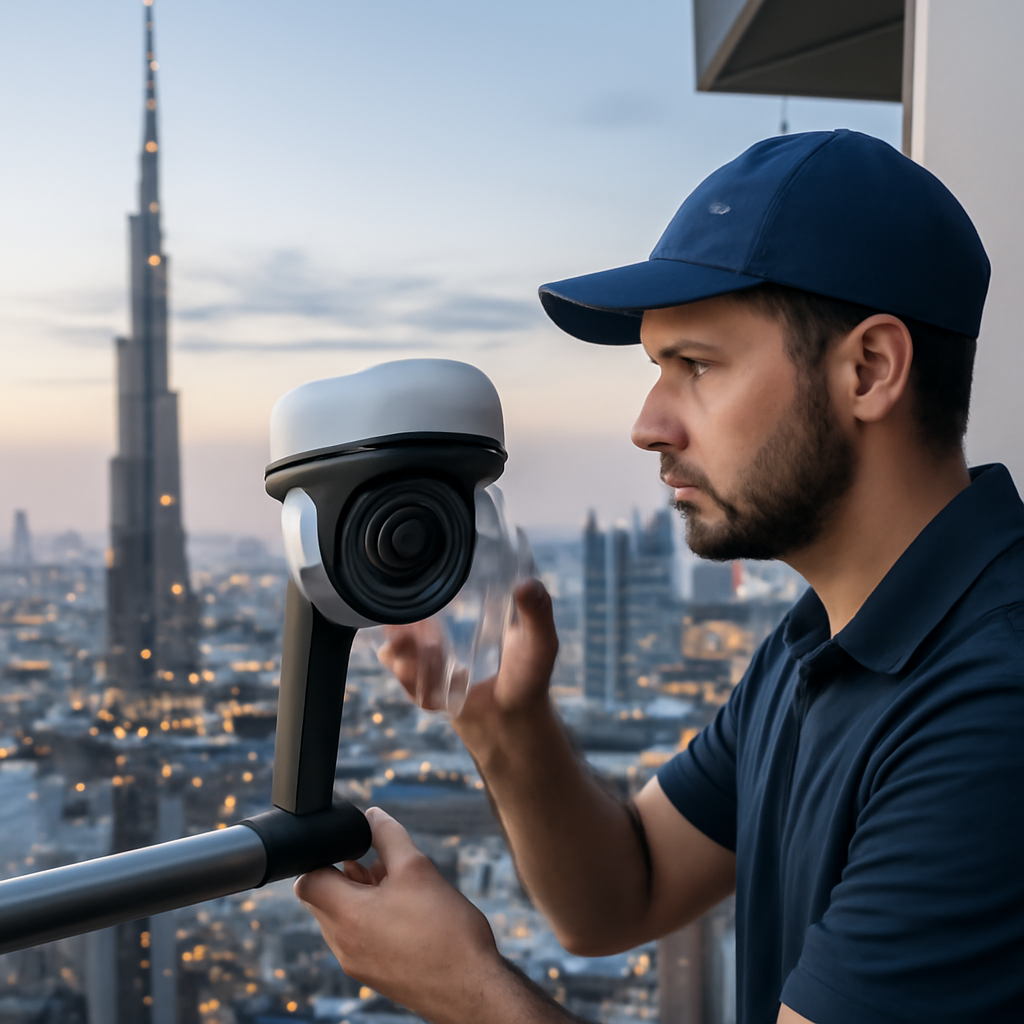
Compliance and data retention
Dubai’s data‑privacy guidelines, aligned with GDPR‑style expectations, require you to store footage for a defined period and to delete it securely once the retention window closes.
Set the NVR or edge storage to retain 30 days of encrypted video – the same configuration we used for the Palm Jumeirah villa – and schedule an automatic purge at midnight.
When you need to export a clip for legal review, use the built‑in export tool that writes a tamper‑proof file, then store it on an encrypted USB drive.
If you ever wonder whether your system meets local regulations, Axis privacy‑by‑design guidelines are a handy reference point for any installer.
Document everything
Create a living spreadsheet that logs firmware version, last lens cleaning date, and any compliance notes – think of it as the service manual for your peace of mind.
When you hand over the property to a new tenant or sell the villa, that sheet becomes proof that the system was maintained, which can smooth the hand‑over process.
Proactive troubleshooting
If alerts start spiking, don’t just silence them. Open the video analytics dashboard, compare the timestamp with recent events, and look for patterns – maybe a new plant is swaying in the wind, or a nearby construction site is causing vibration.
Adjust the motion sensitivity or add a small exclusion zone; a few minutes of tweaking now saves you hours of nonsense later.
And remember, a quick call to your installer after a major firmware update can catch hidden bugs before they affect your home.
Finally, schedule an annual review with your Smart Citizens consultant. They’ll walk the site, verify that your storage encryption keys are still valid, and suggest any new AI features that have rolled out since your install.
By treating maintenance as a habit, leveraging automated health checks, and staying on top of compliance, your security camera dubai setup remains reliable, legal, and truly smart for years to come.
FAQ
How do I choose the right security camera for my Dubai villa?
First, walk around the property and note the spots that need constant eyes – front gate, balcony, poolside, and any blind corners. Then match each spot to a camera type: a weather‑sealed dome for the garden, a 4K bullet with AI for the main entrance, and a PTZ unit for the large driveway.
Look at lens field‑of‑view, night‑vision range, and whether the device is TDRA‑approved. In our experience, a mix of wide‑angle and tight‑focus lenses gives you clear faces without drowning you in extra footage.
What AI features really matter for a security camera in Dubai?
Object classification is the game‑changer – it tells you the difference between a delivery van and a stray cat, so you stop getting dozens of useless alerts. Line‑crossing detection is useful for side gates that should stay closed after hours. Facial recognition can unlock doors for family members, but only if you’re comfortable storing those templates locally.
Don’t over‑load every camera with every AI model; pick the features that actually solve a problem you’ve seen on‑site. That keeps storage low and the system fast.
How often should I maintain and clean my security camera system?
Set a simple monthly ritual: on the first Tuesday, log into the dashboard, check firmware version, and give each lens a quick wipe with a microfiber cloth. A quick air‑burst removes sand particles that can blur the view, especially on coastal properties.
If the system reports a temperature spike or low bandwidth, note it and schedule a follow‑up check. Most manufacturers push updates quarterly, so a quick scan for new firmware during your monthly slot keeps the camera secure against emerging threats.
Do I need a professional installation or can I DIY in Dubai?
Professional installation isn’t a luxury; it’s a safeguard. Certified techs know the local TDRA frequency rules, fire‑rating requirements for cabling, and how to calibrate AI on the first day. Skipping that step often leads to misaligned lenses, missed alerts, or even warranty voids.
If you’re comfortable with PoE wiring and have a sandbox network to test, a DIY install can work, but we still recommend a post‑install audit from a certified installer to fine‑tune sensitivity and verify compliance.
How does a security camera integrate with smart locks and other home automation?
Most modern hubs let you create automation rules – for example, “If front‑door camera sees a recognized face after 10 pm, keep the lock engaged and flash the hallway lights.” The camera sends a short event packet to the hub, which then triggers the lock, lights, or even a siren.
Make sure the hub supports two‑way communication; otherwise the lock can’t respond to the camera’s confidence score. A single unified dashboard lets you see video, lock status, and sensor health all at once.
What are the data‑privacy and compliance rules for security cameras in Dubai?
Dubai’s data‑privacy guidelines, aligned with GDPR‑style expectations, require you to store footage for a defined period – usually 30 days – and to delete it securely afterward. Encryption at rest and in transit is a must; most reputable providers ship with AES‑256 by default.
Keep a log of firmware versions, cleaning dates, and any compliance notes. When you hand over the property or sell the villa, that log serves as proof that you’ve honoured local regulations, smoothing the hand‑over process.
How can I reduce false alarms from my security camera?
Start by training the AI with real‑world clips: show it a delivery truck, a neighbour’s cat, and the occasional wind‑swaying palm. The system learns what’s “normal” and stops flagging those events. Next, fine‑tune motion sensitivity and create exclusion zones around trees or sprinklers that move a lot.
Finally, use the health‑monitoring alerts to catch spikes early – if you notice a sudden surge, investigate the dashboard for a new source of motion, adjust the settings, and you’ll see the noise drop dramatically.
Conclusion & Next Steps
We’ve walked through everything from mapping hot spots to fine‑tuning AI, so you already know why a security camera dubai solution feels like a silent guardian.
Now picture yourself a week from now, checking the dashboard on your phone while sipping Arabic coffee on the balcony. The system has already filtered out the neighbour’s cat, flagged a delivery, and kept the front door locked until you confirmed the face.
So, what should you do next?
First, grab that floor plan and mark the zones we discussed – main entrance, side gate, pool area, and any blind corners. Then, schedule a free on‑site survey with a certified installer. A quick visit lets the tech calibrate AI on real footage, set the right retention period, and ensure compliance with Dubai’s data‑privacy rules.
Second, create a simple maintenance habit: once a month, check firmware, wipe the lenses, and verify the health alerts. A 30‑minute routine saves you from surprise outages later.
Finally, write down two concrete goals – maybe “only one false alert per week” or “receive an instant lock‑down notification when a person lingers after 10 pm.” When you measure progress, you’ll see the peace of mind turn into real ROI.
If you’re ready to lock in those benefits, just hit the “request a site survey” button on our website. Let’s make your home smarter, safer, and effortlessly protected.