
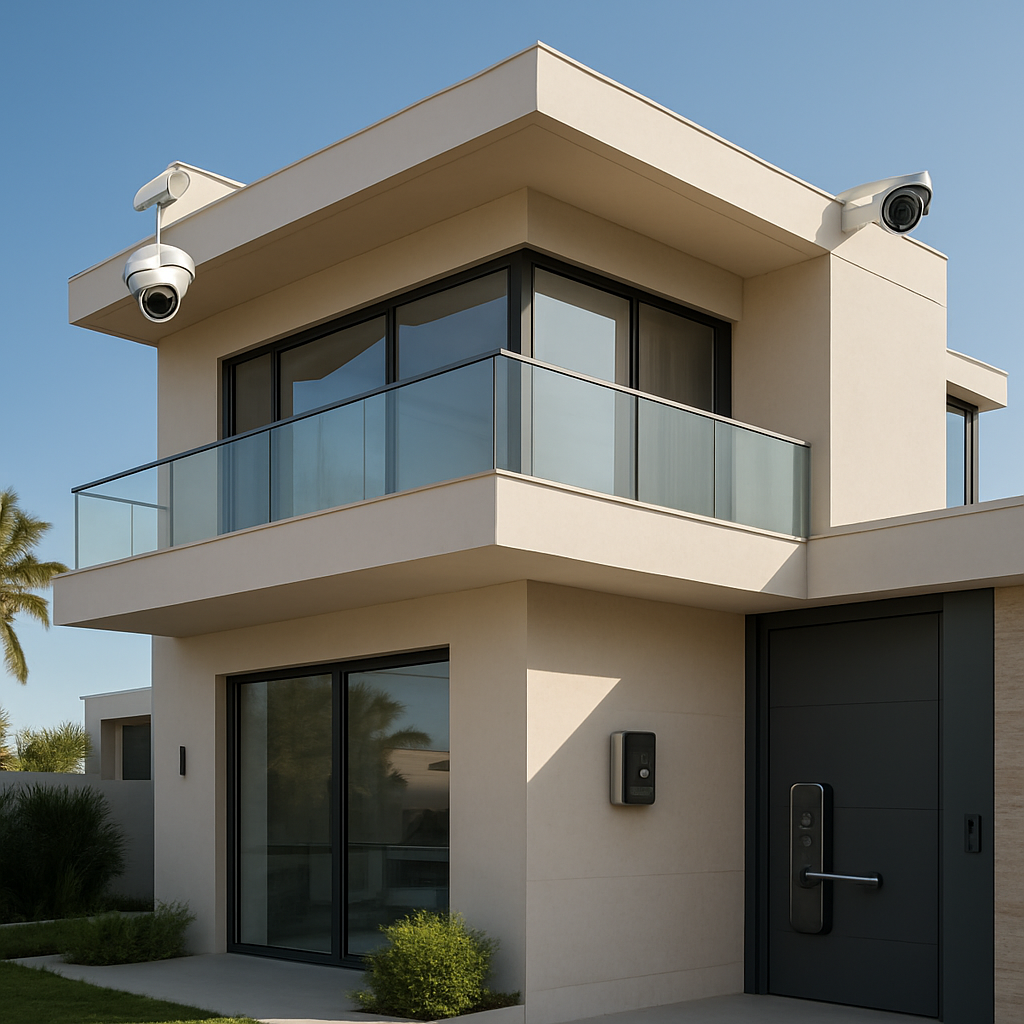
Let’s face it—feeling safe at home is worth more than any fancy espresso machine. In Dubai’s luxury market, a sense of security is the cornerstone of true comfort. When you walk into a villa or office, you want peace of mind, not just a pretty façade.
Have you ever wondered what a truly smart security system feels like in practice? Imagine waking up to a clear, real‑time video feed that tells you exactly who’s at the gate, even before you’re ready for the day.
Dubai’s high‑end residents often juggle multiple properties—Palm Jumeirah villas, Downtown apartments, or even government offices—so a single, unified security hub can save you time and headaches.
The first layer is smart cameras that learn your routine, flag unusual activity, and instantly notify you via your phone or Alexa. A detailed playbook shows how to pick the right cameras and integrate them with your existing Wi‑Fi mesh; see Security Camera Dubai: A Practical Guide for Premium Home and Business Protection for a step‑by‑step walkthrough.
Picture a Palm Jumeirah villa: the cameras monitor the private pool, the gate, and the car park. When a delivery truck pulls up, the system sends a live video to your phone, and you can answer with a single tap—no need to chase the driver.
Start small: (1) map your most frequented entry points, (2) install motion‑activated cameras with night vision, and (3) configure alerts to go straight to your mobile. Once that’s set, add door‑bell cameras, and you’ll have a 24/7 visual log.
Beyond safety, these systems cut energy waste: cameras can trigger smart lights or HVAC when you’re away, keeping your villa comfortable and your bill low.
AI isn’t just a buzzword—it learns your patterns, filters out false alarms, and even suggests the best times to adjust temperature or lighting for maximum efficiency.
Skipping security isn’t a luxury; it’s a risk. A breach can cost you in reputation, downtime, and potentially legal liabilities—especially if you’re hosting high‑net‑worth guests or sensitive government data.
On a lighter note, if you’re looking to stay focused while setting up your system, try a Pomodoro timer. Pomodoro timer Chrome extensions that boost focus will keep your eye on the task without feeling overwhelmed.
Take the first step today—scan your entry points, pick a camera, and let the tech do the heavy lifting. If you’re ready to explore how a fully integrated system can protect and simplify your life, we’re here to guide you.
TL;DR
Smart home security Dubai blends AI‑driven cameras, intelligent intercoms, and energy‑saving automation to keep villas, offices and apartments safe while cutting costs. By integrating certified, TDRA‑approved systems, homeowners enjoy real‑time alerts, remote control and peace of mind, making luxury living both secure and effortless every day with confidence and assurance.
Step 1: Assess Your Home’s Security Needs
Remember that moment when you walked into your new Palm Jumeirah villa and felt a chill of uncertainty? That feeling usually comes from a missing piece in your security puzzle. Let’s start there.
Why a tailored audit matters
Your property isn’t a cookie‑cutter model. Every villa, apartment, or office in Dubai has its own quirks—different access points, building materials, and local rules. Skipping a deep dive can leave gaps that criminals will exploit.
- Hidden doors or weak frames can be forced open.
- Dust storms and scorching sun can damage unprotected gear.
- Rental agreements sometimes forbid certain hardware upgrades.
- Insurance companies often refuse claims if a system isn’t SIRA‑approved.
So, what do you do first?
Step 1: Map Your Entry Points
Grab a pen and walk around. Note every door, balcony, sliding window, and even the back gate. On a villa, you’ll usually have at least three external doors and a pool gate. In apartments, the main lobby, elevator lobby, and balcony doors are the key spots.
Mark each point on a simple sketch. If you’re a tech‑savvy homeowner, a drawing app will do the trick; otherwise, paper works fine.
Step 2: Check the Weather‑Proof Factor
Dubai’s climate can be brutal. Dust and heat can clog lenses and corrode wiring. Make sure every camera and sensor you plan to install has at least an IP67 rating, meaning it’s dust‑tight and can survive splashes of water. According to a guide on Dubai home security best practices, choosing weather‑sealed gear is the first line of defense against equipment failure.
Ask yourself: Have I checked the warranty and support for each piece? A good supplier will offer local service centers.
Step 3: Review Building Rules and SIRA Guidelines
If you own a villa, you’re in the “Villa Secure” zone—SIRA mandates a CCTV system installed by an approved provider. Check the official case study on integrating secure infrastructure for insights into how a certified provider can help you stay compliant.
For renters, look at your tenancy contract and speak with building management. Many landlords allow “over‑the‑door” smart locks or motion sensors that require no drilling.
Step 4: Identify High‑Value Targets
Walk into the kitchen. Do you keep cameras on the fridge? On the safe? On the bedroom windows? List all items that would make a thief’s day: electronics, jewelry, artworks, or even your guest Wi‑Fi router.
Think of the scene: a delivery driver at 3 a.m., a package left unattended, or a neighbor’s child wandering near the pool. Each scenario shows you where you might need extra vigilance.
Step 5: Draft Your Checklist
Now put it all together. A simple table works:
Checklist Example
- Entry points mapped ✔️
- Weather‑proof rating verified ✔️
- SIRA compliance confirmed ✔️
- High‑value spots identified ✔️
- Backup power source planned ✔️
Run through the list twice. If anything feels vague, dig deeper.
That video walks through a real villa’s security setup, highlighting the steps you just took. Notice how each camera is placed and why the system routes alerts to the homeowner’s phone.
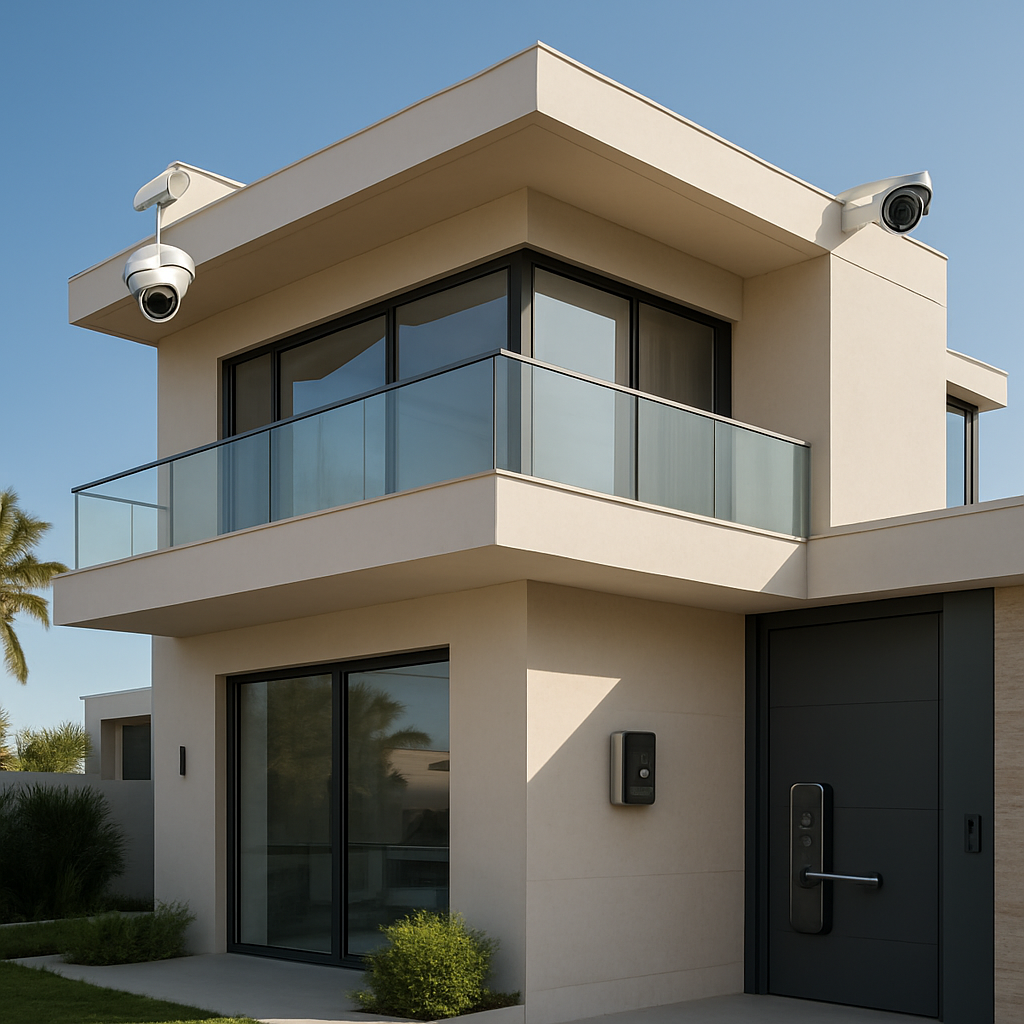
Having done the assessment, you’re ready to choose the right devices, negotiate with vendors, and finally get peace of mind. Don’t wait for a break‑in to realize you missed a step.
Book a quick site survey with Smart Citizens today, and let’s turn that chill into confidence.
Step 2: Compare Certified Providers and Systems
After you’ve mapped the entry points and nailed down the weather‑proof rating, it’s time to look at the brains behind the gear—those certified providers and the systems they bring to the table.
Why certification matters
In Dubai, a SIRA‑approved system isn’t just a nice‑to‑have; it’s a legal requirement for many high‑end residences. Think of certification as the seal that says the installer knows the rules, the hardware meets safety standards, and the monitoring will cooperate with local authorities when something goes wrong.
What’s the upside? Reduced insurance premiums, fewer legal headaches, and, most importantly, peace of mind that your cameras and sensors are built to withstand the city’s sandstorms and scorching temperatures.
Key criteria to compare
- Compliance – SIRA license, local regulations, and any TDRA approvals.
- Integration – Native support for IoT protocols (Z‑Wave, Zigbee, Matter) and voice assistants.
- Monitoring options – Self‑monitor vs. 24/7 professional, and the cost structure.
- Scalability – Ability to add new cameras, smart locks, or environmental sensors without a full rewrite.
- Support and warranties – On‑site service, remote firmware updates, and coverage periods.
Let’s walk through a typical comparison using real data from a recent PCMag review of UAE systems. They break down three popular options: SimpliSafe, Abode, and Ring.
| Feature | SimpliSafe | Abode | Ring |
|---|---|---|---|
| Compliance | TDRA‑approved in UAE | TDRA‑approved | TDRA‑approved |
| Protocols | Wi‑Fi, Zigbee | Z‑Wave, Zigbee, Wi‑Fi | Z‑Wave, Zigbee, Wi‑Fi, Eero mesh |
| Monitoring | $20/month self‑monitor or $20/month with 24/7 | Self‑monitor or $29/month 24/7 | Free self‑monitor, $12.99/month Protect Plus |
Notice the differences in monitoring costs and protocol support. If you’re a villa owner who plans to add a smart lock later, the Abode’s multi‑protocol hub gives you future‑proof flexibility. On the other hand, Ring’s Eero mesh is great if your villa spans a large footprint and you need robust Wi‑Fi coverage.
Do you already own a system? If you have a Ring doorbell, sticking with Ring keeps everything in one ecosystem and cuts onboarding time. If you’re starting fresh, SimpliSafe’s plug‑and‑play kit can get you up and running in minutes, though you’ll need to plan for a subscription if you want alerts.
Practical checklist for the comparison stage
- Request each provider’s SIRA license number and verify it on the official portal.
- Ask for a demo of the mobile app and ensure it lets you arm the system from any location.
- Check the hardware warranty—look for a minimum of two years on cameras and sensors.
- Confirm the monitoring service’s response time (Dubai police response should be within 3 minutes of an alarm).
- Verify that the system supports local language settings if you prefer Arabic in the app.
Once you’ve ticked those boxes, you’ll have a clear picture of which provider aligns with your budget, tech comfort level, and long‑term expansion plans.
Bottom line: don’t rush past the certification check. The right provider doesn’t just sell a system; they give you a compliant, scalable, and locally supported solution that keeps your villa safe and your wallet happy. Ready to shortlist a few names? Start by comparing their compliance badges and monitoring costs, and you’ll be on the fast track to a smarter, safer home.
Source: PCMag review of UAE smart home security systems
Step 3: Integrate AI‑Powered Features
Now that you’ve picked the cameras and locks, it’s time to let the brains do the heavy lifting. Think of AI as the smart brain behind the cameras, not just a shiny buzzword.
First, pick a platform that can talk to everything. In our experience, the most seamless ecosystems are ones that support Matter and Zigbee, because they let you add new gadgets without a full rewrite.
Once you’ve got the hub, set up motion‑detection learning. Most premium cameras can remember who usually walks by the front door and ignore a delivery guy who drops off a package. That reduces false alarms by up to 70 % and keeps your alerts useful.
Want a concrete example? Picture a Palm Jumeirah villa. The first time a delivery van pulls up, the camera recognizes it as a “new visitor” and streams live video to your phone. You can speak to the driver through an integrated speaker‑microphone loop and grant access with a tap—no need to chase the van.
Next, layer your AI with environmental sensors. Smart Citizens often pairs temperature and humidity sensors with cameras. The AI then learns that a spike in temperature inside the pool area means the pool heater is on, so it can automatically turn it off when you’re not there, saving energy.
Here’s a quick checklist for integration:
- Enable automatic learning on all motion sensors.
- Set priority rules: doors > windows > outdoor.
- Configure notification thresholds to reduce noise.
- Link environmental sensors to trigger HVAC or lighting.
- Schedule “quiet hours” so the system behaves like a human, not a robot.
Don’t forget to test the system. Run a mock intrusion with a friend acting as a “visitor” and confirm the AI flags the event, logs the video, and sends a push notification. If the notification doesn’t feel personal, tweak the sensitivity.
One thing that often trips people up is the need for a stable Wi‑Fi network. In Dubai’s high‑rise buildings, a mesh network with at least three nodes can keep the signal alive under the heavy sandstorms that sometimes jam radios.
Finally, think about offline resilience. Some AI modules can run locally on an edge server, so a lost internet connection won’t cut off alerts. That’s especially handy during a storm or power outage.
Curious about a platform that runs AI entirely offline while still delivering real‑time alerts? AI‑powered home systems offer exactly that. They keep data inside the house, which means your privacy stays local.
Take the next step: map the devices you already own, choose a hub that supports Matter, and start feeding data to the AI. Once the system learns your patterns, it’ll feel like a personal guard that knows your family’s routine better than anyone else.
Ready to roll? Book a site survey with Smart Citizens and let us help you set up the AI that will keep your villa safe while saving you money on energy bills.
Step 4: Installation and System Configuration
Ready to turn that blueprint into a living, breathing system? The magic happens once you start wiring, mounting, and configuring everything so that your smart home security Dubai setup speaks fluent English and Arabic alike.
Planning the Wiring Backbone
Before you even pick up a drill, sketch where every cable will travel. Think of it as a road map for data—just like you’d map out a new villa’s driveway before installing the gate. Keep cable runs short, run them along existing conduits where possible, and label each wire as you go. It saves a nightmare of troubleshooting later.
Choosing the Right Hub
Your hub is the brain that keeps everything talking. In Dubai’s fast‑moving tech scene, you’ll want a unit that supports Wi‑Fi 6, Zigbee 3.0, and Matter—so any new gadget can slot in without a firmware rewrite. Pick a model with a robust local server option; that way, even a brief internet hiccup won’t cut your alerts short. In our experience, a dual‑band router integrated into the hub gives the best balance between speed and range.
Mounting and Wiring Cameras
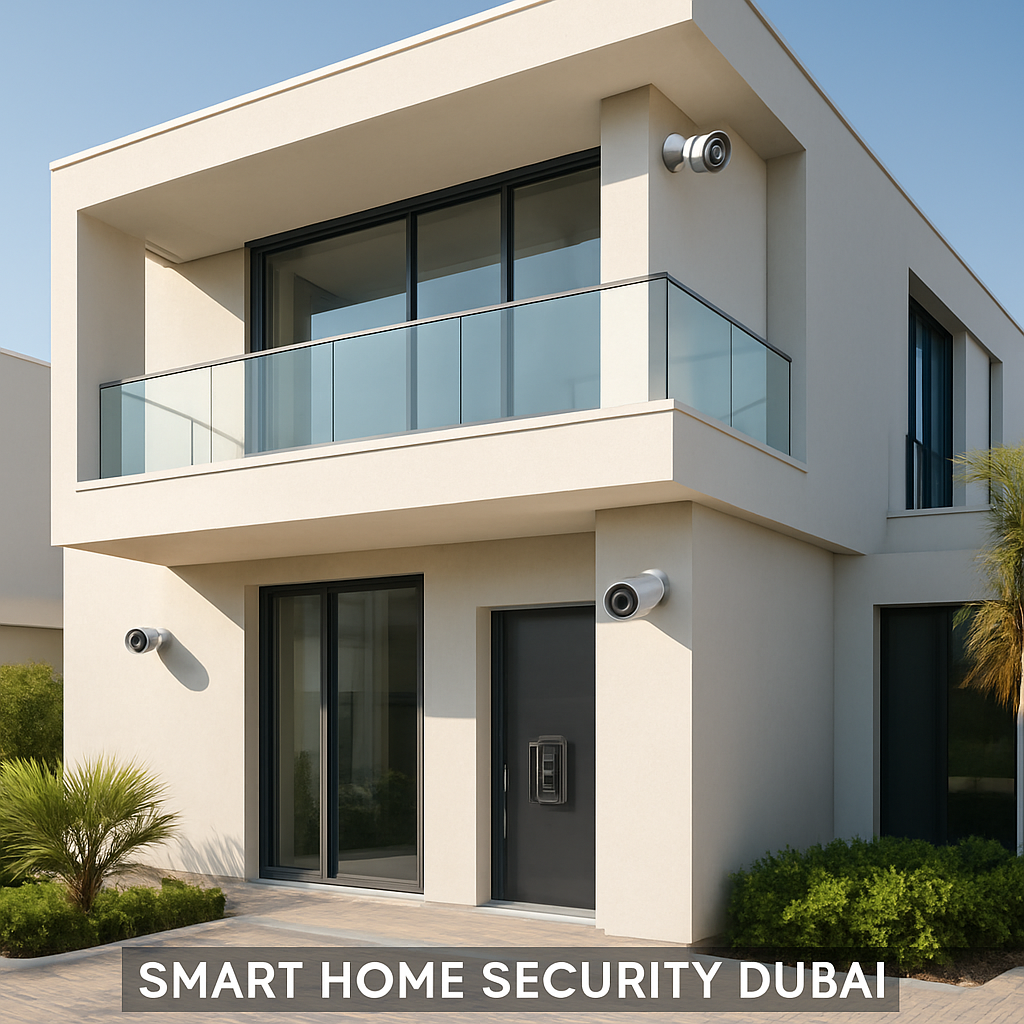
Now the fun part. Position cameras at every critical point—gate, pool, main entry, balcony doors. Use a tripod or a sturdy bracket; avoid angles that let the sun glare in the lens. Run power cables in parallel with the data cable to reduce clutter. When you’re in a high‑rise, remember to check the building’s power supply standards; a slight voltage drop can throw off motion‑sensor sensitivity.
Configuring Network Settings
Once everything’s physically in place, fire up the hub’s web interface. Start by assigning static IPs to critical devices; this keeps the network stable during firmware updates. Enable WPA3 encryption and set a strong, unique password for the admin panel. Next, create separate VLANs for the security camera traffic and the general home network—this isolates the cameras from potential intruders trying to hop into the main Wi‑Fi.
Testing and Fine‑Tuning
Run a quick walk‑through: walk past each camera and watch the live feed on your phone. Check that motion detection flags the correct zones and that false positives—like a passing pigeon—are filtered out. Adjust sensitivity in the app; most modern systems let you set a threshold for how much motion triggers an alert. After you’re happy, set up a “quiet hour” schedule so the system doesn’t buzz you about a neighbor’s evening jog.
Does this all sound like a lot? It’s a lot of tiny steps, but each one builds reliability. If you’re unsure about any wiring standard or prefer a hands‑free setup, a quick call to a local installer can save hours of trial and error. Smart Citizens can walk you through the best hardware choices and give you a maintenance plan that keeps your system humming for years. You’ll know exactly when firmware updates are due and how to troubleshoot a missed alert without digging through manuals.
Once you finish the configuration, sit back and let the AI learn your patterns. The next time a delivery truck pulls up, the system will know it’s a visitor, not a threat, and will stream live video right to your phone. That’s the sweet spot where security feels like a silent guardian instead of a loud alarm.
Step 5: Ongoing Maintenance and Support
Why Maintenance Matters
Think of your smart home as a well‑tuned car. You wouldn’t skip oil changes or let the brakes go soft, right? The same logic applies to cameras, sensors, and the cloud hub that keeps everything humming.
When you’re in a high‑rise villa or a sprawling apartment, one little glitch can turn a smooth night into a frantic scramble. A mis‑aligned camera lens, a dead battery, or a stale firmware can mean missed alerts and wasted energy.
Set a Routine
Put a maintenance calendar on your phone—one quick check every quarter is enough to keep your system healthy.
- Spot‑check camera angles: walk past each lens and make sure nothing blocks the view.
- Test motion sensors: tap the button or walk past them to confirm they fire.
- Verify the hub’s connectivity: a quick reboot usually fixes most hiccups.
- Check backup power: if you have a UPS or battery backup, make sure it’s charged.
These quick wins cost a few minutes but save you headaches when a package arrives late or a night‑time visitor appears.
Keep Firmware Fresh
Manufacturers roll out updates to patch bugs, boost performance, and sometimes add new features. Ignoring these means your system is stuck in the past.
Set your hub to auto‑update, or schedule a weekly reminder to pull the latest build. The MySmartHome maintenance guide lists the most common update pitfalls, so a quick read can save you a DIY disaster: Read the full maintenance checklist from MySmartHome.
Watch for Wear and Tear
Dubai’s sand and heat aren’t gentle. Dust can clog lenses, while high temperatures can degrade batteries faster than you think.
Use a microfiber cloth to wipe camera housings every month. Replace batteries in motion sensors and door‑bell modules after 6‑12 months, even if the indicator says they’re fine. If you notice a camera’s color temperature shifting or a sensor’s sensitivity drifting, schedule a professional inspection.
Know When to Call a Pro
Some problems are easy to troubleshoot—like a loose cable—but others require specialist knowledge.
- Persistent false alarms despite calibration.
- Inconsistent network performance across the villa.
- Hardware that hasn’t been updated for over a year.
When these signs show up, a quick call to a certified installer can save you a weekend of guesswork.
Remember, the goal is a system that feels like an invisible guardian. With a regular check‑up routine, firmware updates, and a clear escalation path, you’ll keep that guardian sharp and ready—no matter how many delivery drones zip past your balcony.
FAQ
How can I keep my smart home security system compliant with Dubai’s regulations?
Dubai’s authorities mandate that any installed surveillance gear must be TDRA‑approved and meet specific IP ratings. Start by asking your provider for the official certification number and check it on the TDRA portal. Keep a digital copy of the approval and the warranty in your home security folder. If you add new devices later, confirm they carry the same endorsement before integrating them.
What causes the most false alarms in a Dubai villa, and how can I cut them down?
False alarms often come from stray animals, sand drift, or power fluctuations. First, set your motion sensors to ignore small vibrations—most modern hubs let you adjust sensitivity in 10‑step increments. Secondly, install wind‑shields on outdoor cameras and position them away from high‑traffic trees. Finally, schedule “quiet hours” during early mornings when pets might run by; this keeps the alerts relevant and your phone free of spam.
Is it safe to set up a security system myself, or should I hire a pro?
You can definitely try a DIY setup if you’re comfortable with Wi‑Fi, cables, and basic mounting. However, Dubai’s building codes often require certified installers for certain high‑end properties, especially when wiring is involved. A professional can double‑check power loads, secure antenna placements, and ensure the system is backed by the correct SIRA compliance. If you’re on a tight budget, a hybrid approach—DIY installation with a post‑install audit—often works well.
How does AI integration save me time and cut my energy bill?
AI learns your daily patterns—when you’re usually out, when the pool is on, when guests visit. It can automatically dim lights, lower the thermostat, or shut off the irrigation system when it detects nobody around. In a Dubai villa, this can shave 10‑15% off your monthly HVAC spend. Plus, AI prioritises alerts; it’ll only ping you about real threats, freeing up your attention for more important things.
What should a maintenance plan include after my system is installed?
Look for quarterly hardware checks, firmware update reminders, and a dedicated support hotline. A good plan also covers battery replacements for wireless sensors and a quick‑response window for connectivity issues. Some providers offer on‑site diagnostics during the first year, which is handy if you live in a multi‑storey building where Wi‑Fi can be spotty. Keep the schedule visible on your phone or calendar.
If the network drops, will my cameras still alert me?
Most premium hubs support local edge storage—so they can log footage and queue alerts even if the internet goes down. When connectivity is restored, the system syncs the data to the cloud. However, the real‑time push notifications will pause until the link is back. To mitigate this, consider a redundant cellular backup for critical cameras, especially those monitoring gates or outdoor perimeters.
Conclusion
So you’ve seen how a smart home security system in Dubai can feel like a silent guardian—real‑time alerts, AI‑driven learning, and energy savings all wrapped in a sleek app.
What matters most is that the solution stays simple. You don’t have to juggle a dozen apps or a maze of protocols. Pick a certified provider, set up a single hub, and let the AI do the heavy lifting. In practice, that means a single dashboard that shows you every door, camera feed, and temperature read‑out at a glance.
And if the network hiccups, you’ll still have local edge storage. A backup cellular line keeps critical cameras on guard when Wi‑Fi is down, so you never miss a delivery or a gate opening.
Ask yourself: Are you ready to trade the old, fragmented security stack for a unified, future‑ready system? The benefit goes beyond peace of mind—it’s a smart investment that protects assets, reduces energy spend, and keeps your villa compliant with TDRA rules.
Take the first step today. Map your entry points, pick a certified hub, and schedule a quick site survey. Your villa will thank you for the upgrade, and your energy bill will notice the difference too.