
Imagine hearing the faint drip of water at night, but you’re already fast asleep.
That tiny sound could be the early warning of a leak that, if left unchecked, will cost you thousands in damage and water bills.
So, how do you spot that problem before it becomes a nightmare? The answer lies in turning your home into a smart, watchful partner.
When you ask yourself, “how to detect water leaks with smart home technology?”, you’re really looking for peace of mind – especially in a luxury Dubai villa where every drop matters.
In our experience at Smart Citizens, we’ve seen homeowners panic when a hidden pipe bursts under a marble floor. A simple sensor can send an instant alert to your phone, letting you shut off the water before the flood spreads.
Here’s the basic idea: a compact IoT sensor sits near appliances, pipes, or the water heater. It monitors moisture levels and flow patterns 24/7. When it senses something abnormal, it triggers a push notification, a text, or even an audible alarm through your smart hub.
And that’s just the start. Modern systems also integrate with automated shut‑off valves, so the moment a leak is detected, the water supply is cut off automatically. No need to scramble for the main valve in the dark.
But you might wonder, “Do I need a whole‑home overhaul?” Not at all. You can start small – place a sensor by your washing machine, then add one in the kitchen and bathroom. Over time, the network expands, giving you full coverage without massive renovation.
Think about the extra benefits, too: real‑time usage data helps you spot unusually high consumption, which often hints at hidden leaks you haven’t felt yet.
So, if you’re ready to protect your home, save water, and avoid costly repairs, the first step is simply adding a smart leak detector to your existing automation setup.
Let’s dive deeper into the components you’ll need and how they work together, so you can feel confident that every drop is accounted for.
TL;DR
If you want peace of mind, learning how to detect water leaks with smart home sensors lets you spot drips before they become costly floods.
Just install a moisture sensor near appliances or pipes, connect it to your hub, and receive instant alerts so you can shut off water instantly.
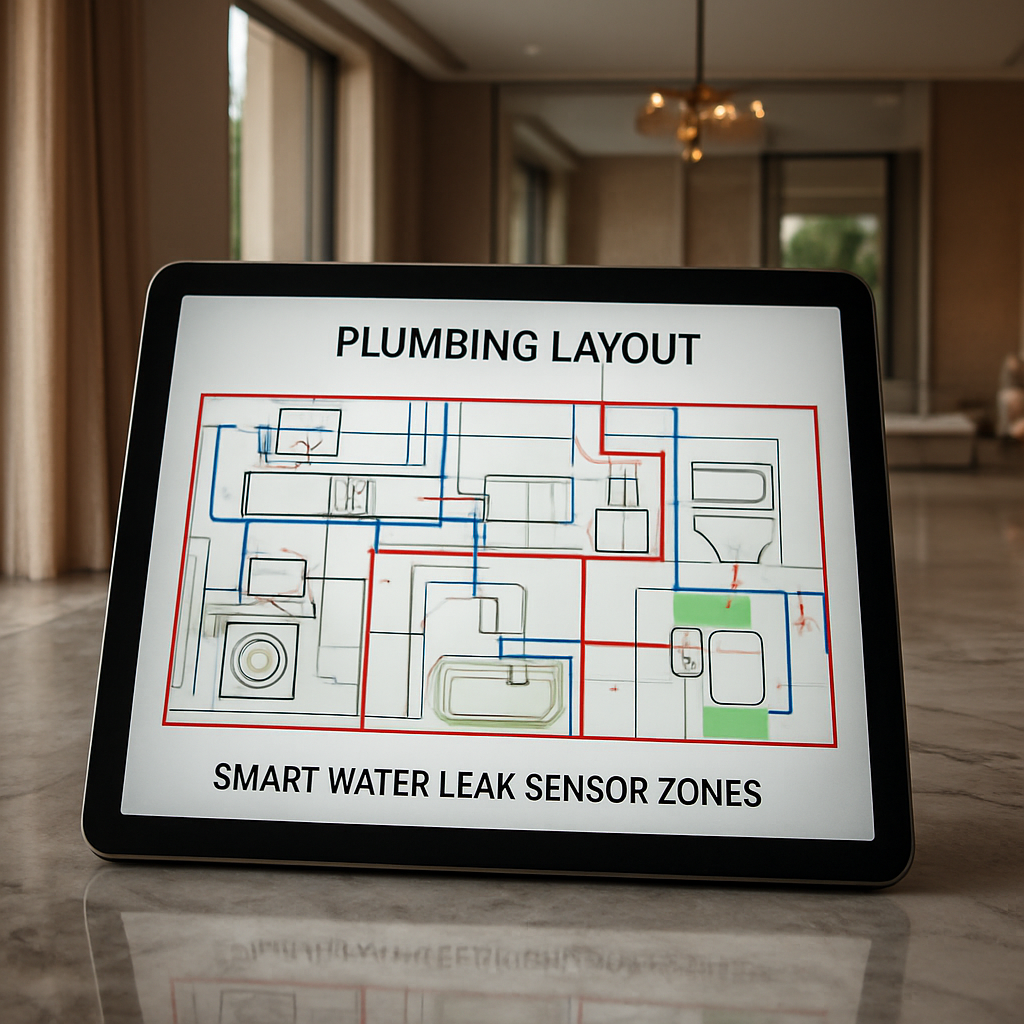
Step 1: Assess Your Home’s Plumbing Layout
Before you even think about placing a sensor, you need a clear picture of where water travels inside your villa. Imagine trying to catch a leak without knowing where the pipe is hidden behind a marble wall – you’d be chasing shadows. That’s why the first step is to map out the plumbing layout.
Start by locating the main shut‑off valve. It’s usually tucked behind a utility cupboard or near the water meter. Write down its exact position; you’ll thank yourself later when an alert pops up and you need to stop the flow fast.
Next, grab any as‑built drawings you received from the developer. In many luxury Dubai properties, these plans show the rough routes of supply and waste lines. If you don’t have them, a quick call to the building’s management office often yields a copy. Look for the major runs: vertical risers that go up the stairwell, horizontal runs behind bathrooms, kitchens, and the laundry.
But don’t stop at the paper. Walk through each room and note where you see visible pipework – under sinks, behind the washing machine, around the water heater. Pay special attention to high‑risk zones: under marble flooring, inside false ceilings, and around outdoor landscaping irrigation. Those are the spots where a tiny dribble can turn into a costly flood before anyone hears it.
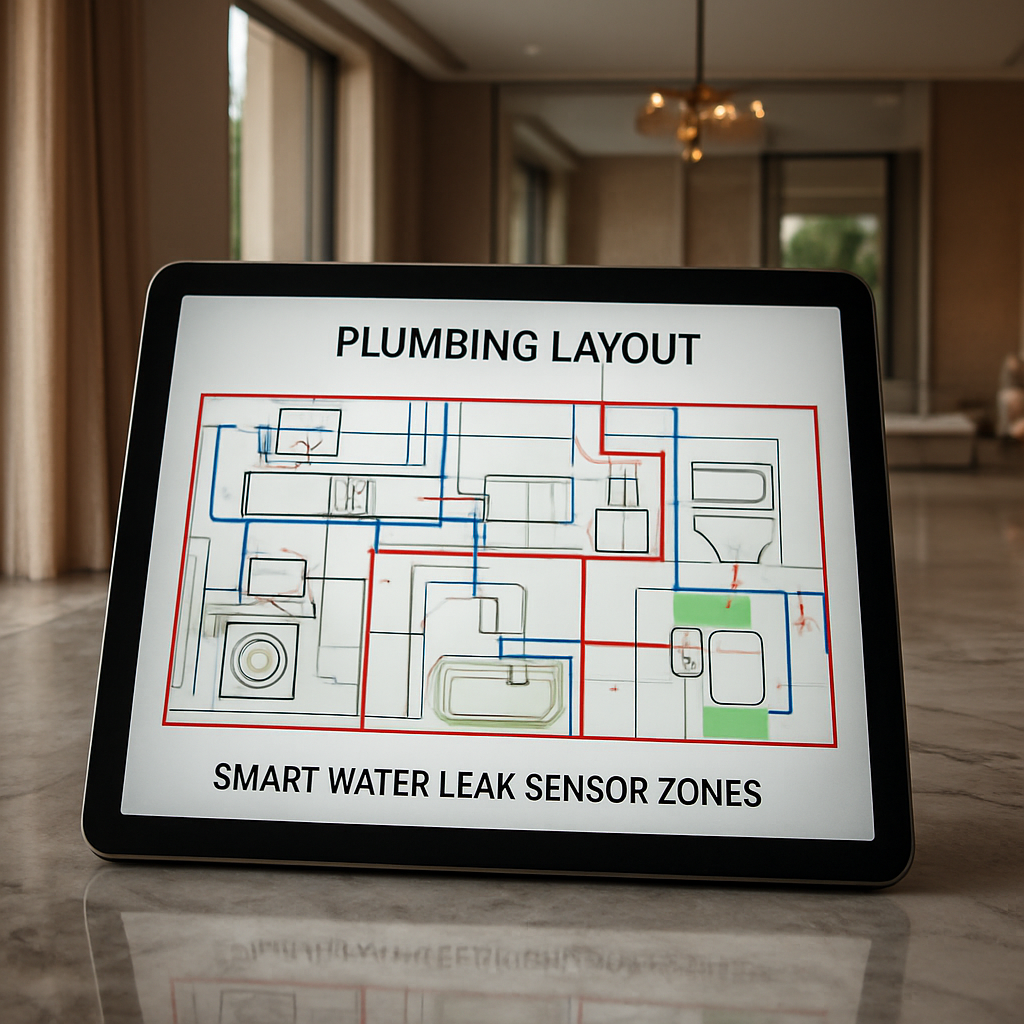
Now, think about the smart side of things. A zone‑based leak detection system works best when you group sensors by logical sections – kitchen, bathroom, utility room, garden. If you have a distance‑read panel, you can pinpoint the exact meter of a short, which is handy for long runs in a villa’s perimeter.
Here’s a quick checklist you can print and stick on your fridge:
- Identify the main water shut‑off valve and label it.
- Gather or request as‑built plumbing schematics.
- Walk each room and mark visible pipe locations.
- Highlight concealed areas: under marble, behind drywall, inside ceiling voids.
- Group zones for sensor placement (kitchen, baths, laundry, garden).
- Decide between zone‑based or distance‑read panels based on pipe length.
While you’re at it, open your water meter and note the current reading. A sudden jump in consumption, even without visible usage, often hints at a hidden leak. That data becomes a baseline for your smart system to flag anomalies.
Real‑world example: a client of ours in Palm Jumeirah had a long‑run pipe concealed behind a marble splashback in the master bathroom. By mapping the layout first, we placed a single sensor in that zone and the system caught a slow seep before it soaked the flooring – saving thousands in restoration.
Another scenario: a villa with an extensive garden irrigation network. The homeowner thought the system was fine until the smart water meter showed a 15% rise in usage during a dry spell. Mapping revealed a cracked underground line near the pool deck. Early detection meant a simple pipe replace instead of a full‑scale excavation.
Don’t forget to involve a certified plumber or a Smart Citizens specialist if your layout feels too complex. They can verify hidden sections and suggest the optimal sensor type – wireless probes for tight spaces or cable‑type sensors for long runs.
And here’s a tip that often gets overlooked: label each sensor’s location on your plumbing diagram. When an alert arrives, you’ll know exactly which zone to inspect, cutting down the time you spend hunting for the source.
By the end of this assessment, you should have a visual map, a list of high‑risk zones, and a clear plan for where each smart sensor will live. That groundwork turns a vague fear of leaks into a concrete, actionable strategy.
Ready to see how the right sensors fit into this plan? Check out our Smart Water Management Solutions: A Guide For Dubai Properties for detailed recommendations on sensor types, panel choices, and integration with your existing home automation hub.
Step 2: Choose the Right Smart Leak Sensors
Now that you’ve mapped every pipe, the next question is simple: which sensor actually fits the spot? It’s easy to get lost in a sea of gadgets, but the right sensor feels like a natural extension of your home’s plumbing – quiet, reliable, and ready to shout when something’s off.
Understand the sensor families
Broadly, you’ll run into three types: wireless probes, cable‑type line sensors, and hybrid panels. Wireless probes are perfect for tight corners behind marble countertops or in ceiling voids where running a wire would be a nightmare. Cable‑type sensors shine when you need coverage over a long run – think the perimeter irrigation loop or a hidden supply line that snakes through a garden.
Hybrid panels combine both approaches, letting you attach a few probes to a central hub that reads distance‑based data. This is the setup most luxury villas in Dubai end up choosing because it gives you zone‑level granularity without littering the walls with dozens of standalone units.
Match sensor tech to the environment
Desert living throws a few curveballs. Extreme heat, occasional sandstorms, and high humidity in bathrooms demand sensors with robust housings. Look for an IP67 rating – that means the device can handle water immersion and dust ingress, which is exactly what the Tapo T300 water leak sensor offers.
And don’t forget AI‑driven analytics. Modern sensors feed moisture data into a cloud‑based engine that learns your household’s normal consumption patterns. When a spike appears, the system can differentiate a genuine leak from a temporary splash, cutting down false alarms.
Key criteria to tick off
- Power source: Battery‑operated probes last 2‑3 years; wired sensors draw from your home’s low‑voltage panel.
- Connectivity: Zigbee, Z‑Wave, or Wi‑Fi – pick the protocol your existing hub supports.
- Alert channels: Push notification, SMS, and audible alarm on the sensor itself.
- Integration: Can it talk to your smart home platform (e.g., Smart Citizens’ automation hub) and trigger a shut‑off valve?
Does your current hub speak Zigbee? If not, you might need a small bridge – something you can add without re‑wiring the whole house.
Prioritise high‑risk zones first
Remember those marble‑tiled bathrooms and the garden irrigation line we highlighted in Step 1? Start there. Place a probe right under the bathtub’s overflow pipe, another on the water heater’s base, and a third at the main outdoor valve. Those three sensors will cover the biggest water‑damage risks in a typical Dubai villa.
From there, expand outward. A cable‑type sensor along the perimeter of the pool deck can catch a tiny crack before it becomes a swimming‑pool‑sized disaster.
Real‑world glimpse of the trend
Smart home adoption in the UAE is exploding, and smart sensors for UAE homes are leading the charge. The market’s focus on AI‑enabled monitoring and weather‑proof housings means the devices you pick today will stay relevant as the tech evolves.
In our experience, homeowners who pair a sensor‑rich network with an AI‑driven dashboard see leak‑related repair costs drop by up to 70 % in the first year.
Take a moment to watch the video above – it walks through the installation of a wireless probe in a typical villa bathroom, highlighting the exact mounting height and the best way to calibrate the alert threshold.
Finally, give yourself a quick checklist before you order:
- Does the sensor have an IP67 rating?
- Is the communication protocol compatible with your hub?
- Can it trigger an automated shut‑off valve?
- Do you have a clear zone‑map ready for placement?
Mark those boxes, place the first three sensors, and you’ll instantly feel the peace of mind that comes from knowing any drip will be caught before it becomes a flood.
Step 3: Install Sensors in Key Locations
Now that you’ve mapped the plumbing and picked the right sensor families, it’s time to actually put the devices where they’ll catch a drip before it becomes a disaster. Think of it like setting up a neighborhood watch – you want eyes (or in this case, sensors) in every high‑risk spot.
1. Identify the high‑risk zones
Start with the zones you highlighted in Step 1: the master bathroom overflow, the water‑heater base, the laundry room, and any outdoor valve serving the garden or pool deck. Those are the places where a tiny leak can sneak up on you while you’re asleep.
Don’t forget the hidden corners – the ceiling void above the kitchen, the floor joists under marble tiles, and the pipe chase behind the utility cupboard. If you’re unsure, picture the last time you heard a faint drip at night; that’s probably where a sensor belongs.
2. Choose the sensor type for each spot
For tight, hard‑to‑reach spots (like behind a marble countertop or inside a ceiling void), a wireless probe is your best friend. They’re small, battery‑operated, and can be mounted at the exact height you saw in the video earlier.
If you need to cover a long run – say the perimeter irrigation line around the pool deck – go for a cable‑type sensor. They wrap around the pipe and detect water anywhere along their length, which is a huge advantage over point sensors.Cable sensors offer flexible coverage across long runs.
For spots where water pools, like under a washing machine or beside a dishwasher, a puck‑style point sensor works perfectly. They sit flat on the floor and sound an alarm the moment water touches the electrodes.Puck‑type sensors are ideal for sinks and appliances.
3. Mounting basics – keep it tidy, keep it safe
Use the manufacturer’s mounting brackets or double‑sided adhesive pads that can handle the humidity of a bathroom. Aim for a height of about 2‑3 inches above the floor for puck sensors – low enough to catch a spreading leak, but high enough to avoid false alarms from occasional splashes.
Wire‑type sensors need a little more planning. Measure the total length you’ll need, then lay the cable along the pipe, securing it with zip ties every foot or so. The cable’s conductive core will trigger the alarm as soon as water bridges any point.
Don’t forget the IP rating. In Dubai’s desert climate, dust and occasional sandstorms are a reality, so an IP67‑rated housing is a must.
4. Connect, test, and calibrate
Once the physical install is done, pair each sensor with your hub (Zigbee, Z‑Wave, or Wi‑Fi – whichever your Smart Citizens hub speaks). Most apps will walk you through a quick “test water” routine: just pour a splash of water on the sensor and watch the alert pop up on your phone.
If the alert feels too sensitive, adjust the threshold in the app until you get a balance between real leaks and harmless splashes. Remember, a false alarm is annoying, but a missed leak is costly.
5. Verify the shut‑off integration
After the sensor signals a leak, does the automated valve close? Run a quick manual test by triggering a sensor and confirming the valve clicks off. If it doesn’t, double‑check the scene’s wiring or ask a Smart Citizens technician to fine‑tune the integration.
6. Create a quick‑reference map
Take the plumbing diagram you built in Step 1 and add a simple icon for each sensor location. Print it, stick it on your fridge, and you’ll know instantly which zone to inspect when an alert arrives.
Here’s a fast checklist you can print and keep next to your hub:
- Sensor type matches the zone (probe, cable, or puck).
- Mounting height is appropriate for the area.
- IP67 rating confirmed for dusty or humid spots.
- Sensor paired and alert threshold calibrated.
- Automated shut‑off valve tested and confirmed.
Follow these steps, and you’ll have a sensor‑rich network that quietly watches over every pipe, every joint, and every potential leak point. That’s how to detect water leaks with smart home technology – not by guessing, but by placing the right eyes where the water might appear.
Step 4: Integrate Sensors with Your Smart Home Hub
Now that the sensors are physically in place, the real magic begins – getting them to talk to your hub so you actually get a heads‑up when water tries to sneak in. If you’ve ever wondered why a sensor feels like a lonely guard, the answer is simple: it needs a reliable voice channel.
First, double‑check which protocol your hub prefers. Most luxury Dubai villas run on Zigbee or Z‑Wave because they’re low‑power and don’t crowd your Wi‑Fi. If you’re using a Smart Citizens hub, it already supports both, so you just need to pick the matching sensor model. A mismatch is like trying to chat with someone who speaks a different language – you’ll get silence.
Pairing the sensor to the hub
Grab the hub’s companion app and put it in “add device” mode. Most sensors have a tiny reset button; press it for three seconds until the LED blinks. The app should pop up the sensor name within 10‑15 seconds. If it doesn’t, move the sensor a few feet closer – metal walls and marble can sometimes interfere with the signal.
Once the sensor appears, give it a clear name: “Master Bath Overflow” or “Garden Valve”. Avoid generic tags like “Sensor 1” because when an alert pops up, you’ll want to know exactly where to run.
Setting up automation rules
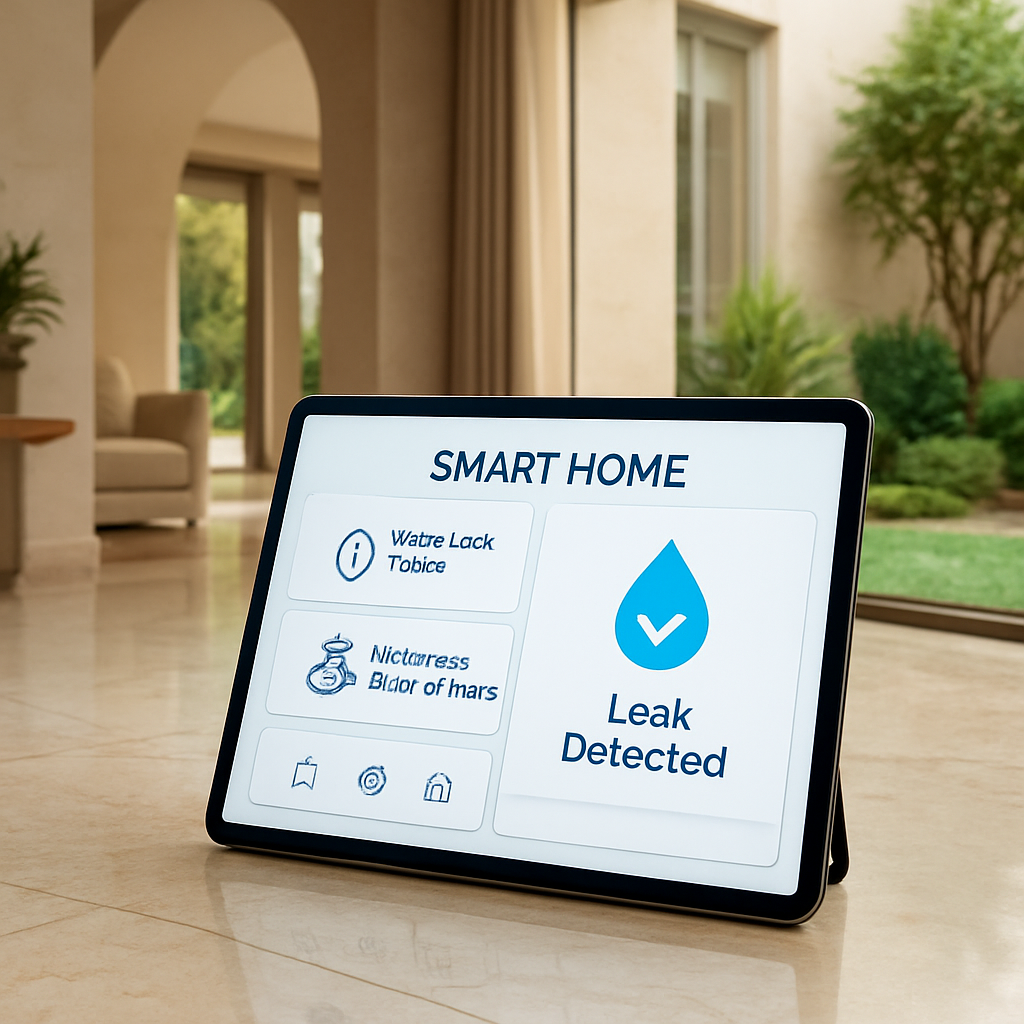
Here’s where you turn a simple alert into a full‑blown protection system. In the app, create a new “scene” called “Leak Detected – Shut Off”. Add two actions: 1) send a push notification to your phone, and 2) trigger the motorised shut‑off valve on the main line. Most hubs let you add a short delay (e.g., 30 seconds) to avoid false trips from a stray splash.
Tip: enable a secondary alert like an audible chime on a smart speaker. The sound of a beep in the kitchen often wakes you up faster than a phone vibration.
Fine‑tuning thresholds
Every sensor reports moisture in a range. The default setting is usually very sensitive – great for catching a drip but also prone to false alarms from steam. Go into the sensor’s settings and adjust the “wetness threshold” to the level where water actually pools. A good rule of thumb is to aim for less than 5 % false positives after a week of testing.
Run a quick test: pour a cup of water onto the sensor’s surface, watch the alert, then wipe it clean. If the hub fires the shut‑off valve within the delay you set, you’re golden. If not, double‑check the valve’s wiring or ask a Smart Citizens technician to verify the scene.
Real‑world example: Villa in Palm Jumeirah
One of our clients in Palm Jumeirah installed three probes in the master bathroom, the water‑heater base, and the outdoor irrigation valve. By linking each probe to a dedicated scene, the hub automatically closed the main valve when the irrigation sensor detected a tiny crack. The homeowner got a push notification on their iPhone and a gentle tone from the living‑room speaker – no water damage, no emergency plumber call.
Another case involved a high‑rise apartment building where a single cable‑type sensor ran along the entire vertical riser. When a leak was detected on the 7th floor, the hub not only shut the valve but also logged the exact floor level, saving the building manager hours of guesswork.
These stories illustrate why integration matters more than just buying a sensor.
For a deeper dive into the step‑by‑step pairing process, check out this detailed setup guide that walks you through the app screens.
Quick‑reference table
| Integration Element | Typical Choice | Key Consideration |
|---|---|---|
| Wireless protocol | Zigbee or Z‑Wave | Match sensor to hub; avoid Wi‑Fi overload |
| Automation rule | Push notification + valve actuation | Include short delay to prevent false trips |
| Threshold setting | Moisture level < 5 % false alerts | Test with water splash, adjust in app |
Finally, keep a small checklist on your fridge: sensor name, zone, threshold level, and last test date. Review it quarterly – the same way you’d change your HVAC filter. When everything talks, you’ll sleep soundly knowing any leak will be caught and stopped before it becomes a costly disaster.
Step 5: Set Up Real-Time Alerts and Automations
Imagine this: it’s 2 a.m., you’re half‑asleep, and a gentle buzz wakes your phone. The message says a leak was detected under the master bathroom’s vanity. No panic, no sprint to the main shut‑off valve – you already know exactly what’s happening. That’s the magic you get when you set up real‑time alerts and automations.
First thing’s first – make sure your sensors can actually talk to something. In a luxury Dubai villa you’ll most likely be running Zigbee or Z‑Wave, because those protocols don’t hog your Wi‑Fi and they push through marble walls better than a radio signal. If your hub already speaks one of those, great. If not, a tiny bridge device will do the trick without any ugly wiring.
Next, open the hub’s companion app and look for the “Add Automation” or “Create Scene” button. This is where the alert becomes an action, not just a notification. Think of it as setting up a tiny robot that watches your sensors and reacts the second they whisper “water”.
Create the alert rule
Inside the app, start a new scene called something clear like “Leak Detected – Shut‑Off”. Add two actions: 1) send a push notification to every phone you own, and 2) trigger the motorised shut‑off valve on the main water line. Most hubs let you slip in a short delay – 20 to 30 seconds is a good safety net against a stray splash from the dishwasher.
So, what should you do next? Add a third action: an audible chime on a smart speaker in the living room. A sound that cuts through sleep is often faster than a vibration, and it gives you an immediate clue that something’s wrong without even looking at your phone.
Fine‑tune thresholds
Every sensor reports moisture as a percentage or a raw value. The default is usually super‑sensitive – perfect for catching a drip, but it can also fire on steam from a hot shower. Dive into the sensor’s settings and raise the “wetness threshold” until you see less than five false alerts after a week of normal use. A good rule of thumb: set the threshold just below the level where water would actually pool on the floor.
Test it yourself: pour a small cup of water onto the sensor’s surface, watch the alert pop, then wipe it clean. If the hub fires the shut‑off valve within the delay you set, you’re golden. If not, double‑check the valve’s wiring or call a Smart Citizens technician to fine‑tune the scene.
Link to the shut‑off valve
The real power of automation shows up when the valve closes automatically. In our experience, a motorised valve paired with a robust smart home automation platform can shut the flow in under two seconds. That’s faster than you can sprint to the bathroom, and it prevents water from soaking marble or hardwood before you even notice.
If you’ve already installed Smart Citizens’ proprietary valve, just select it from the device list when you build your “Leak Detected” scene. The hub will send a command to the valve’s controller, which in turn cuts power to the water line. No manual hunting, no guesswork.
Set up escalation
Besides the phone buzz, add an email copy and a SMS fallback. Some people keep their phones on silent at night, but an email lands in the inbox and a text pops up on the lock screen – multiple channels mean you’ll never miss the warning.
And for the truly obsessive, enable a webhook that logs the event to a cloud spreadsheet. Over time you’ll see patterns – maybe a leak tends to happen after a heavy rainstorm or when the air‑conditioning system runs.
- Give each sensor a clear name (e.g., “Master Bath Overflow”).
- Set a wetness threshold that balances sensitivity and false alarms.
- Configure a push notification + audible chime.
- Add the automatic valve‑shut‑off action with a short delay.
- Include email and SMS as backup alerts.
- Test the whole chain at least once a month.
Picture this scenario: a villa on Palm Jumeirah had a tiny crack in the pipe that ran behind a decorative marble wall. The sensor caught the seepage, the hub sent a push, the valve snapped shut, and the homeowner received an instant SMS. No water reached the marble, no expensive restoration was needed, and the incident was resolved with a quick phone call to the plumber.
Tip: schedule a quarterly “leak drill”. Pull the test button on one sensor, watch the notification cascade, and verify the valve closes. It’s the same habit you have with fire alarms – a little rehearsal saves a lot of hassle later.
When you’ve wired these automations together, the whole system becomes a silent guardian. You’ll sleep soundly, knowing that any leak will be caught, reported, and stopped before it ever stains your luxury finishes. That’s how you truly master how to detect water leaks with smart home technology – not by watching for drips, but by letting your home do the watching for you.
Step 6: Monitor, Maintain and Optimize the System
Now that the sensors are talking to your hub and the valve can slam shut, the real work begins: keeping the whole network healthy day after day. Think of it like caring for a garden – you plant the seeds, but you still have to water, prune, and check for pests.
So, how do you make sure your smart leak‑detection setup stays reliable and keeps catching those tiny drips before they become a flood?
1. Set a simple monitoring routine
Open the hub app every evening for a quick glance. You don’t need to read every data point; just verify that each sensor shows a green‑ok status and that the battery level is above 30 %.
If you see a yellow warning, schedule a test that night – a cup of water on the sensor should trigger an alert. If the alert doesn’t fire, you’ve caught a potential blind spot before it hurts.
2. Create a “leak‑drill” checklist
Just like fire‑alarm drills, a quarterly leak‑drill keeps everyone sharp. Here’s a compact list you can paste on the fridge:
- Press the test button on the main alarm unit.
- Pour a splash on each sensor (one at a time) and confirm the push notification.
- Watch the motorised shut‑off valve click closed within the 20‑second delay you set.
- Log the battery reading; replace any battery below 30 %.
- Note the date in your maintenance log.
When you run this routine, you turn a passive system into an active guardian.
3. Keep batteries and firmware fresh
Battery‑powered probes usually last 2‑3 years, but temperature swings in Dubai can shave a few months off. Set a calendar reminder for a battery swap six months before the estimated end‑of‑life.
Most hubs push firmware updates automatically, but it never hurts to check the “Updates” tab once a month. A recent patch might improve false‑positive filtering, which means fewer annoying chimes at night.
4. Fine‑tune sensitivity thresholds
Every home has its own “normal” moisture level – a bathroom with a steam shower is different from a dry laundry room. After a week of live data, go into each sensor’s settings and lower the sensitivity just enough that a real leak still trips, but a brief splash doesn’t.
In our experience, aiming for less than five false alerts per month balances safety with peace of mind. If you’re consistently getting more, raise the threshold by a small increment and retest.
5. Leverage analytics for early warning
Smart Citizens’ AI‑driven dashboard (or any comparable platform) can spot usage patterns that precede a leak – for example, a 15 % rise in water flow over a weekend when no one’s home. When the system flags an anomaly, you can investigate before water even shows up on a sensor.
For a concrete example of how analytics help, see this guide on maintaining water‑leak detection systems from a UK‑based specialist that outlines similar best‑practice steps.maintenance and installation guide.
6. Document everything in a central log
Use a simple spreadsheet or the hub’s built‑in event log to record: sensor name, test date, battery level, any threshold changes, and the outcome of each leak‑drill. Over time you’ll see trends – perhaps the kitchen sensor loses battery faster because it sits near a vent.
When you have data, you can predict when a component will need replacement, turning reactive fixes into proactive care.
7. Know when to call a professional
If a sensor repeatedly fails a test, or if the shut‑off valve hesitates, it’s time to get a certified technician. In Dubai’s luxury villas, a mis‑aligned valve can cost thousands if it doesn’t close fully.
Professional services can also recalibrate flow‑based sensors that sit on the main line – a task that usually requires a licensed plumber and a brief system reset.
8. Keep the system future‑proof
Technology evolves fast. When you hear about a new AI module or a higher‑resolution sensor, check whether it’s compatible with your existing hub before swapping anything out. Most manufacturers support backward compatibility, so you can upgrade piece by piece without a full overhaul.
A recent article on whole‑home smart leak devices highlights how regular software updates and hardware upgrades extend system life.smart whole‑home leak devices.
Bottom line: monitoring, maintaining, and optimizing isn’t a one‑time chore; it’s a habit you build into your monthly home‑care routine. By treating your leak‑detection network like any other premium smart‑home feature – with regular checks, battery swaps, and data‑driven tweaks – you’ll keep the system humming and stay confident that you truly know how to detect water leaks with smart home technology.
FAQ
How can I tell if my smart leak sensor is working properly?
First, open your hub app and look for a green status icon – that means the battery is healthy and the sensor is communicating. Then hit the built‑in test button or pour a small splash of water on the probe; you should see an instant alert on your phone. If the alert doesn’t pop up, double‑check the pairing mode and make sure the sensor is within a few metres of the hub.
Do I need a separate power source for the shut‑off valve?
The motorised valve we install at Smart Citizens runs on low‑voltage DC, which is fed directly from the hub’s power module. In most villas you won’t see an extra wall socket – the valve draws only a few watts, so a dedicated battery backup is enough to close the water line even during a power outage. Just verify the backup is charged during your quarterly leak‑drill.
Can I mix Zigbee and Z‑Wave devices in the same network?
Absolutely. Our hub acts as a universal translator, so you can pair a Zigbee‑only probe in the bathroom and a Z‑Wave cable sensor in the garden without any extra bridges. The key is to give each device a clear name (like “Master Bath Overflow”) so the automation rules stay readable. If you ever add a Wi‑Fi sensor, the hub will still handle it as long as it’s on the same LAN.
How often should I replace the batteries in my wireless probes?
Battery life varies with temperature, but in Dubai’s heat you’ll see about 2 years of reliable power. Set a calendar reminder for six months before the estimated end‑of‑life and swap the coin cell while the sensor is still in place – no need to uninstall anything. After replacement, run a quick water test to confirm the sensor re‑registers with the hub.
What’s the best way to avoid false alarms from steam or splashes?
Adjust the moisture‑threshold setting in the app until the sensor only fires when water actually pools. A good rule of thumb is to keep the threshold just below the point where a splash would leave a visible wet spot. You can also enable a short 20‑second delay on the automation rule, which gives the system time to filter out brief steam bursts from a hot shower.
Is it safe to install sensors near marble or stone surfaces?
Yes, as long as the sensor’s housing is rated IP67 – that means it can handle occasional water immersion and dust from sandstorms. Mount the probe on a backing plate or use double‑sided adhesive that won’t damage the finish. Keep the sensor a few inches away from direct water jets; a tiny gap lets any runoff drain away and reduces the chance of a false reading.
What should I do if a sensor repeatedly fails its test?
When a probe won’t trigger an alert after a water splash, it’s usually a wiring or battery issue. First, replace the battery and re‑pair the device. If the problem persists, check for signal obstruction – marble walls can block Zigbee signals. At that point, call a certified Smart Citizens technician; they can recalibrate the sensor or replace a faulty unit before a real leak catches you off guard.
Conclusion
We’ve walked through everything you need to know about how to detect water leaks with smart home tech, from picking the right IP‑67 probe to wiring the shut‑off valve.
At this point you might be thinking, “Do I really have to tweak every setting?” The answer is yes, but only enough to keep false alarms at bay while catching the real drips.
Remember the three zones we highlighted – the master bath overflow, the water‑heater base, and the outdoor valve. Those spots alone stop most costly floods in a Dubai villa.
What’s the simplest habit you can start today? Do a quick visual check of each sensor’s battery level and run the one‑splash test before the weekend.
If you’ve already paired the probes with your hub, set a short 20‑second delay in the automation rule. That tiny buffer lets steam fade out while still reacting to genuine leaks.
In our experience, homeowners who follow this checklist see a dramatic drop in water‑damage claims – often saving thousands.
So, what’s next? Grab your phone, open the hub app, and verify that every sensor shows a green status. Then schedule a quarterly leak‑drill; think of it as a fire‑alarm rehearsal.
When the system works silently in the background, you get peace of mind that no hidden pipe will ruin your marble floors.
Ready to future‑proof your villa? Reach out to Smart Citizens for a customised survey and let our certified team fine‑tune the whole setup for you.